· guides
How to make your own font
Every font you have ever used started as somebody deciding to make one. That used to mean years of training and expensive software. It does not anymore. You can turn your handwriting into a working font this afternoon for free, and the tools the professionals use are a download away. What separates the routes is not talent. It is how much control you want, and how much time you want to spend.
This guide maps every realistic route, cheapest and fastest first. Each route ends at the same place: a font file, .ttf or .otf, that you can install and type with. If those extensions are new to you, OTF vs TTF explains the difference in plain terms, and the install guide covers getting any font onto your computer once you have made it.
What a font actually is
Strip away the mystery and a font is three things: a drawing of each character (type people call them glyphs), a set of spacing decisions (how wide each letter is, and how pairs of letters tuck together), and a file that packages both so your computer can use them. The drawing is the part beginners imagine. The spacing is the part that decides whether the result feels like a real font or a ransom note. Every route below is really a different way of handling those two jobs: the easy routes automate the spacing, the professional routes hand it to you.
One thing to decide before you start: how much of a character set you need. A basic font wants uppercase, lowercase, figures, and the common punctuation, roughly ninety characters. Most first fonts fail on the unglamorous half of that list, the figures and the punctuation nobody practiced. Whatever route you take, budget time for them.
Route 1: turn your handwriting into a font
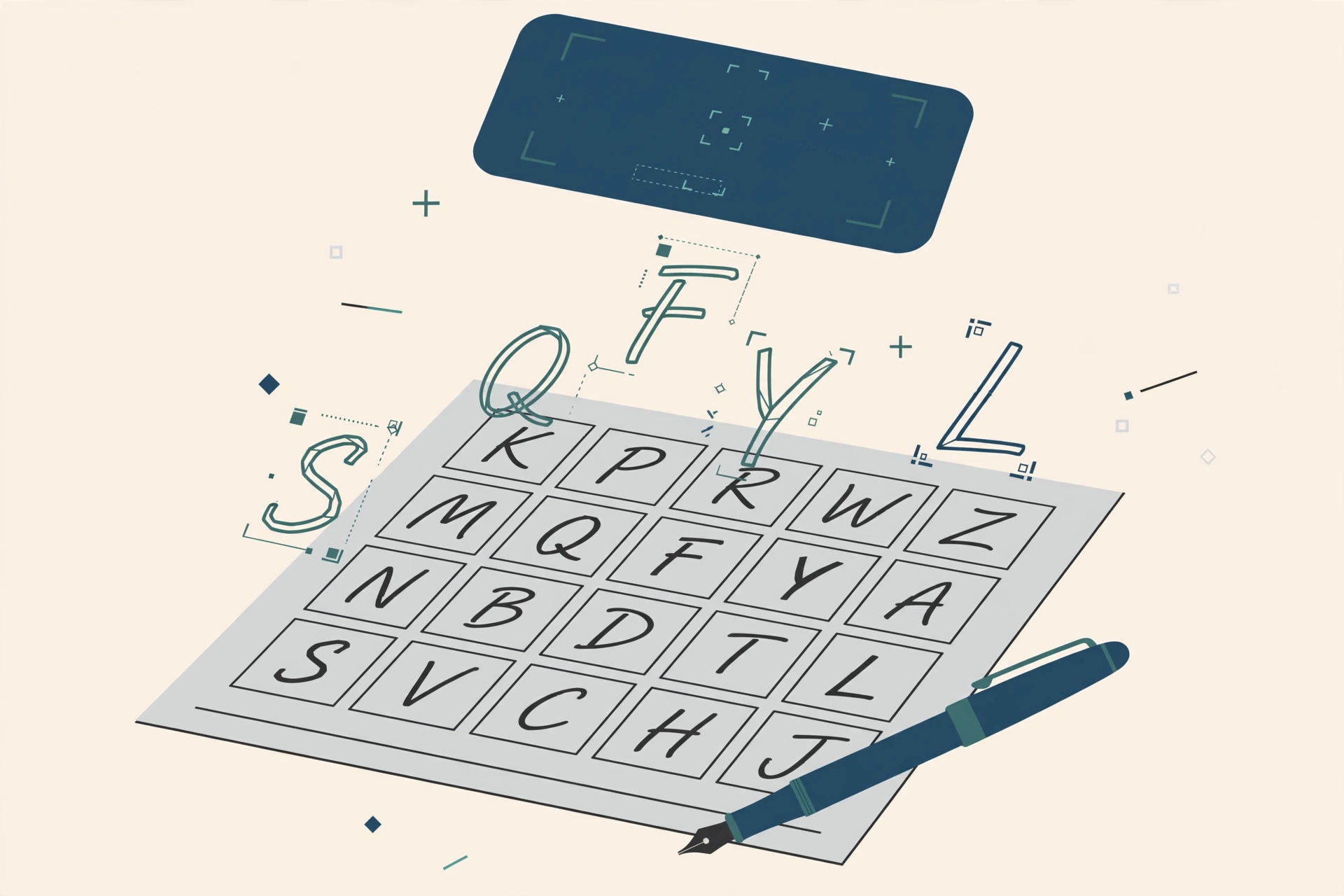
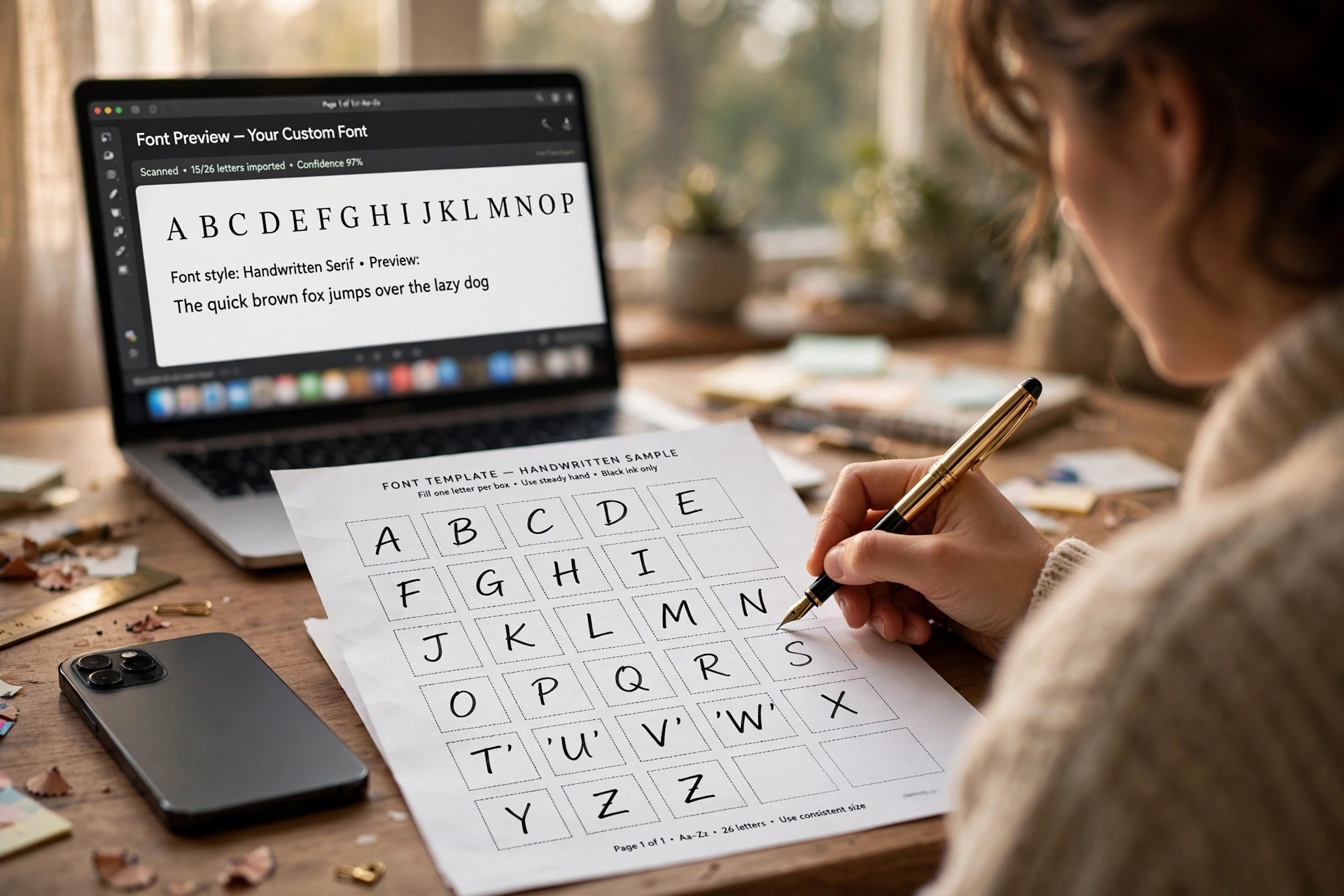
The fastest font you will ever make is your own handwriting, and the method is charmingly low-tech. You print a template, a grid of boxes, one per character. You write each letter in its box, scan or photograph the sheet, and upload it. The service finds each letter, traces it, spaces it, and hands you back a font file.
Calligraphr is the name this route runs on. The free tier covers a first font with a modest character set, which is enough to find out whether you like the result. A short paid upgrade, a few dollars for a month, raises the character limit into the hundreds and unlocks the features that make handwriting fonts feel handwritten: alternate versions of the same letter that rotate as you type, and ligatures that join letters the way your pen does. The whole thing, printing to typing with your own hand, fits in an afternoon.
The honest limits: a template font is only as good as the handwriting in the boxes, the tracing is automatic rather than artistic, and the spacing tools are simple. For a personal font, letters to family, a signature font for documents, a keepsake of a parent’s or grandparent’s hand, none of that matters. It is the right tool, and it is genuinely delightful. YourFonts and Scanahand work the same territory for a one-off fee if you prefer a desktop program.
 CalligraphrBrowser-based · free tier, Pro for a few dollars a monthVisit site
Route 2: build letters from blocks, in the browser
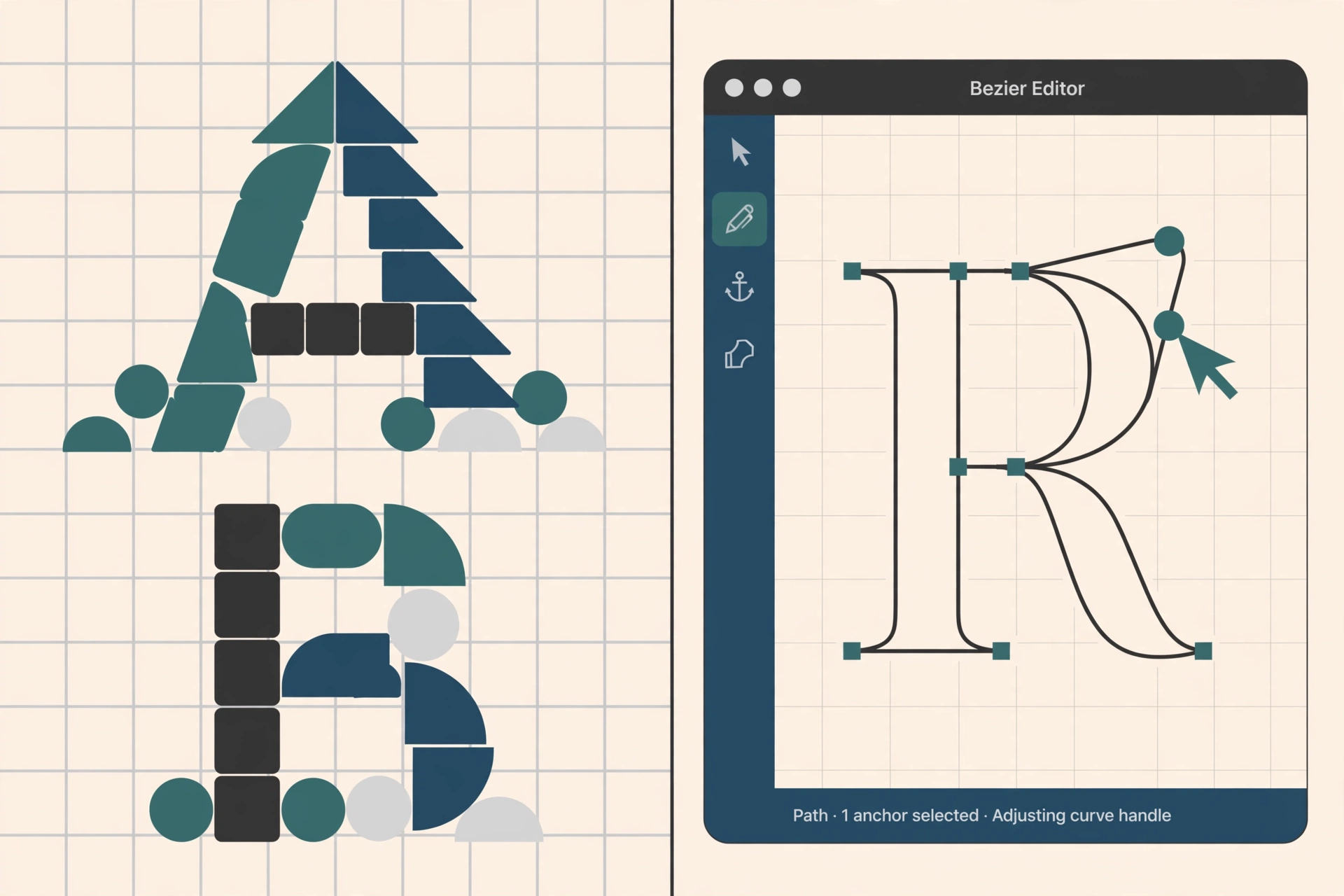
FontStruct takes the opposite approach to handwriting: no drawing at all. You build each letter on a grid out of geometric bricks, rectangles, circles, wedges, the way you might build a letter from toy blocks. It is free, it runs in the browser, and it exports a real TrueType font.
The constraint is also the aesthetic. Block-built letters suit pixel fonts, modular display faces, and geometric experiments, and the gallery of what people have made with it is surprisingly strong. Curves are faked from pieces rather than drawn, so text faces are out of reach. As a first contact with how letters are constructed, though, and as a way to make a display font for a game, a poster, or a classroom, it is hard to beat free and immediate.
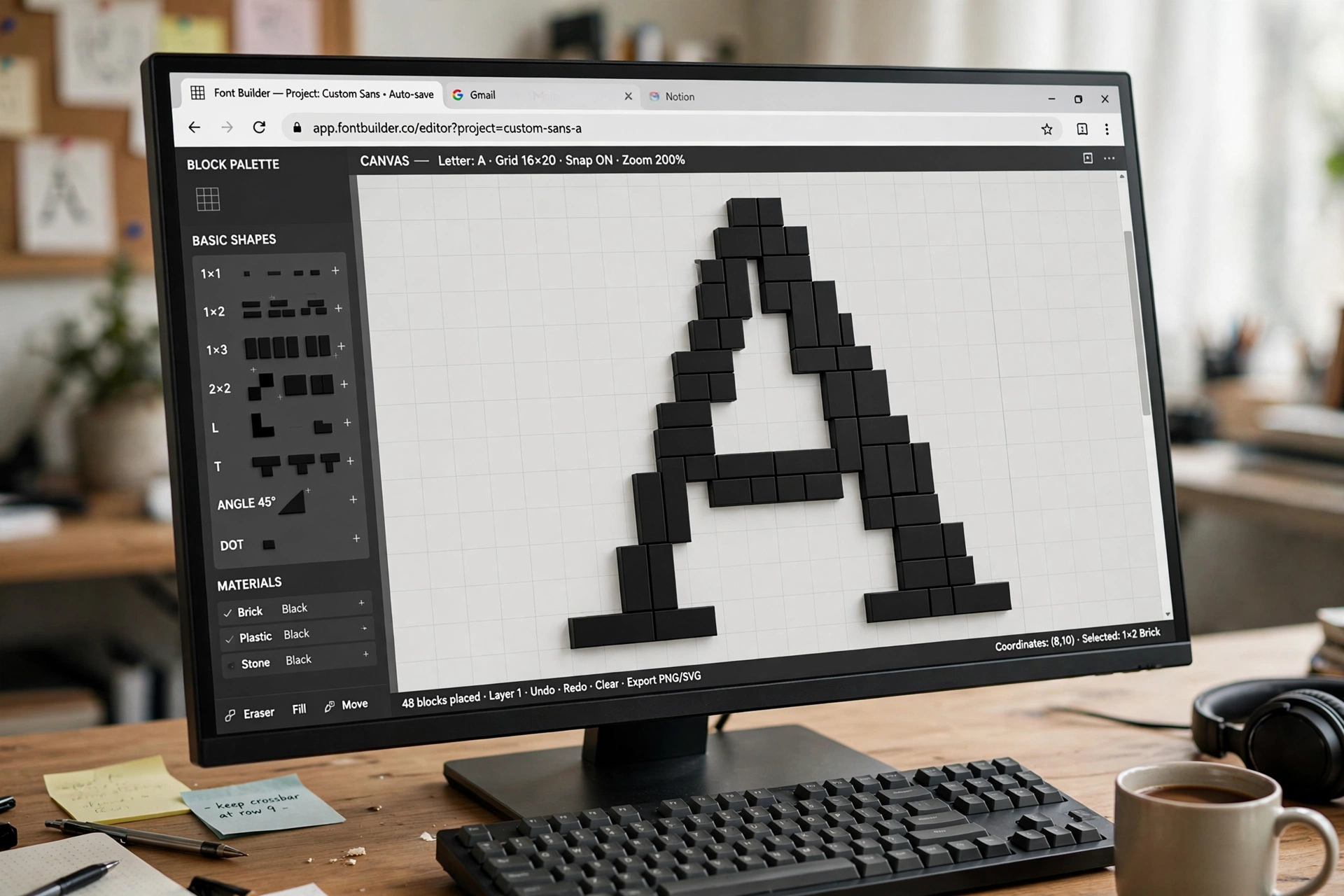
 FontStructBrowser-based · freeVisit site
Route 3: draw it in the app you already own
If you already letter or draw in Adobe Illustrator or Photoshop, Fontself meets you there. It is an extension, around forty dollars, that turns vector artwork into a font without leaving the program: drag your drawn letters into its panel, adjust the baseline and spacing, export an OpenType font. It handles alternates and ligatures, and it is one of the easiest ways to make color fonts, the multicolored display faces that have become a small genre of their own.
This is the lettering artist’s route. The drawing happens with tools you already know, at full vector quality, and Fontself handles the font engineering. What it does not teach you is the engineering itself, which is either the point or the limitation, depending on your goals.
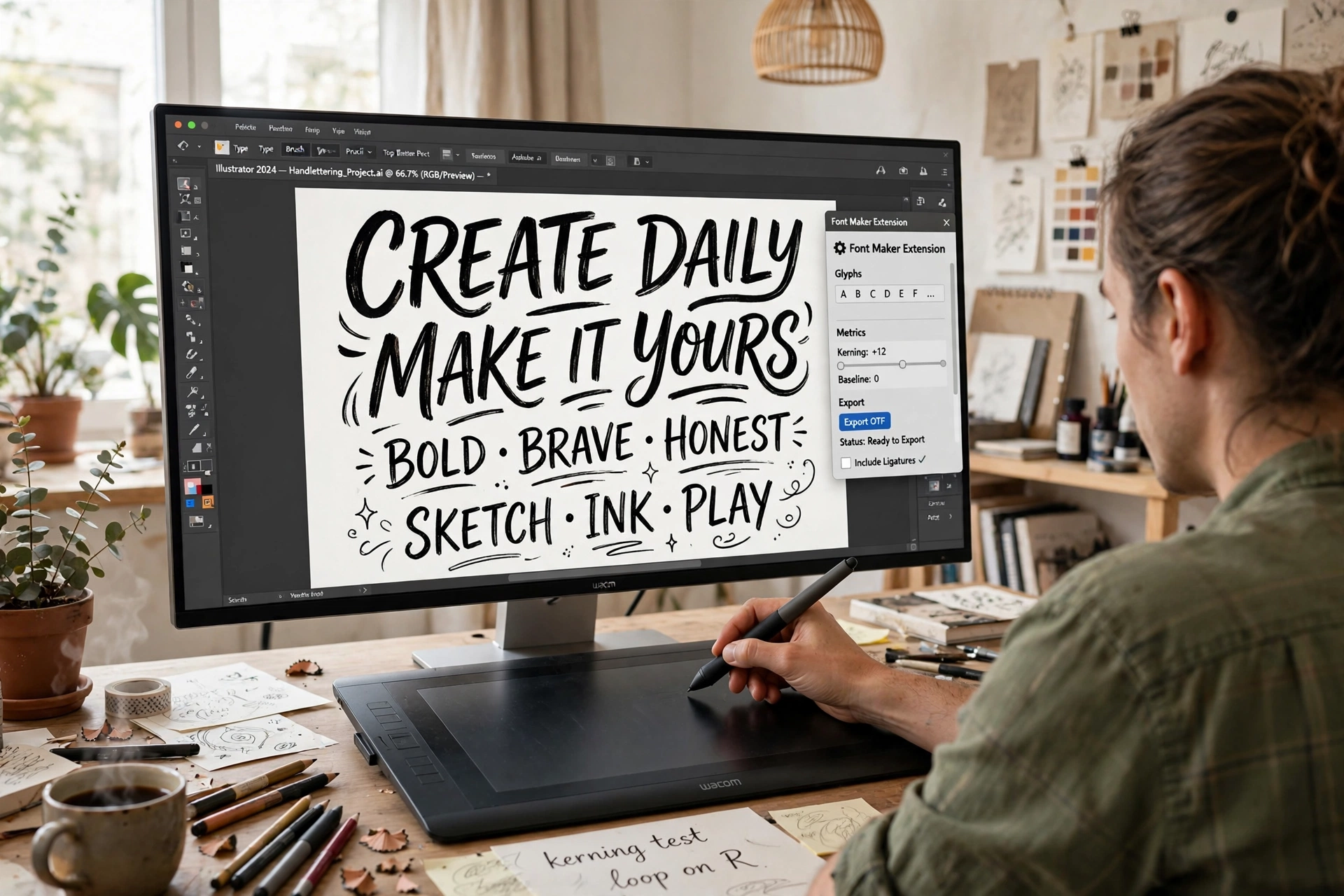
 FontselfIllustrator & Photoshop extension · about $40Visit site
Route 4: the friendly full editor
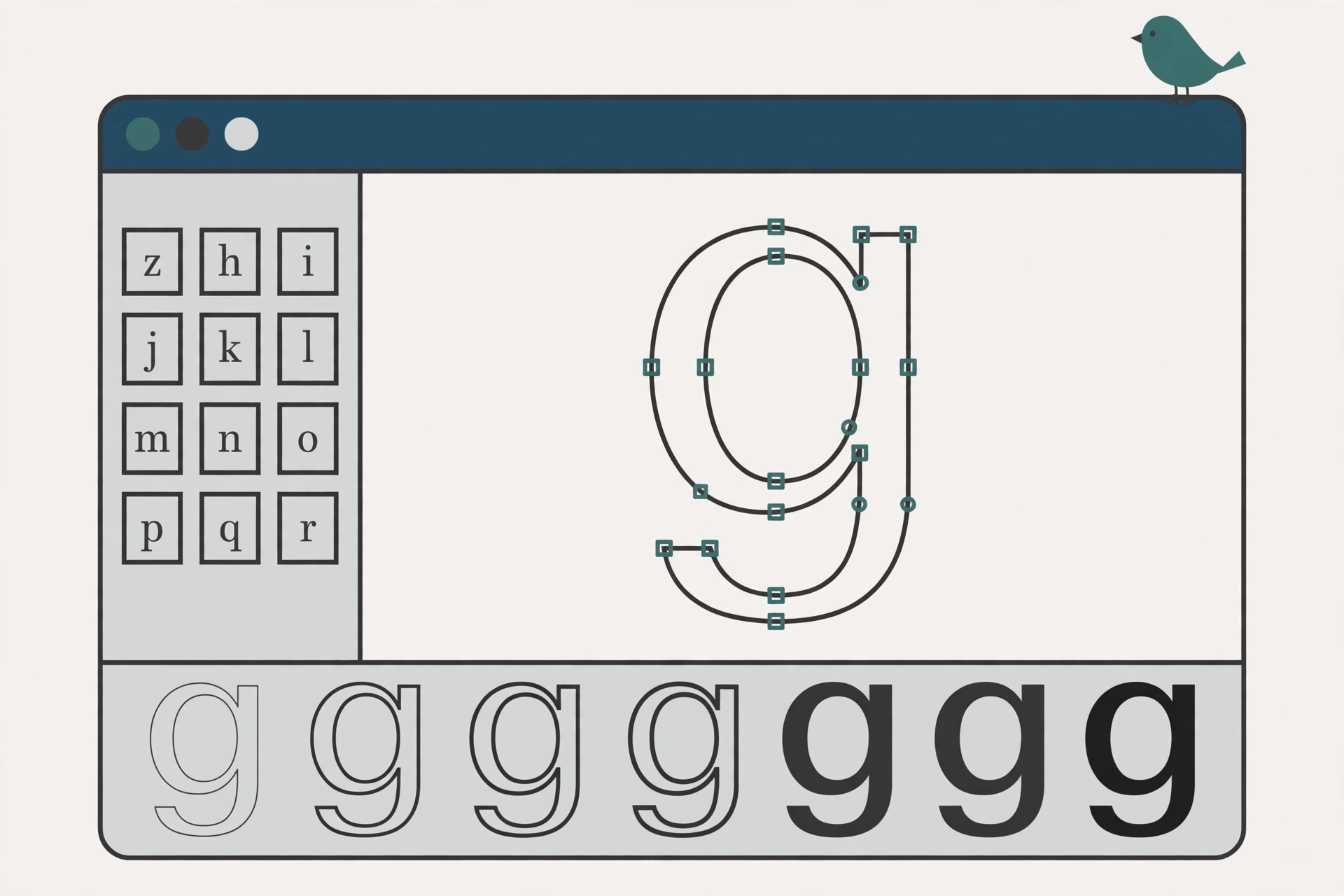
BirdFont is the gentlest way into real font editing. It is a proper editor: you draw letters as vector outlines, set kerning, and add ligatures and alternates. But it is drawn like a friendly drawing program rather than an engineering console. It runs on Windows, Mac, and Linux, it imports SVG artwork, including an autotrace that converts scanned drawings into outlines, and it exports TTF fonts.
Its pricing model is unusual and worth understanding. The free version is fully featured, but fonts you make with it must be released under the SIL Open Font License, free for everyone. If you want to keep commercial rights to your font, a commercial license costs about five dollars. A Plus tier, about ten dollars, adds OTF export plus color and variable fonts. For a first serious font, that is a remarkable deal: the whole craft, spacing and kerning included, with the training wheels still on.
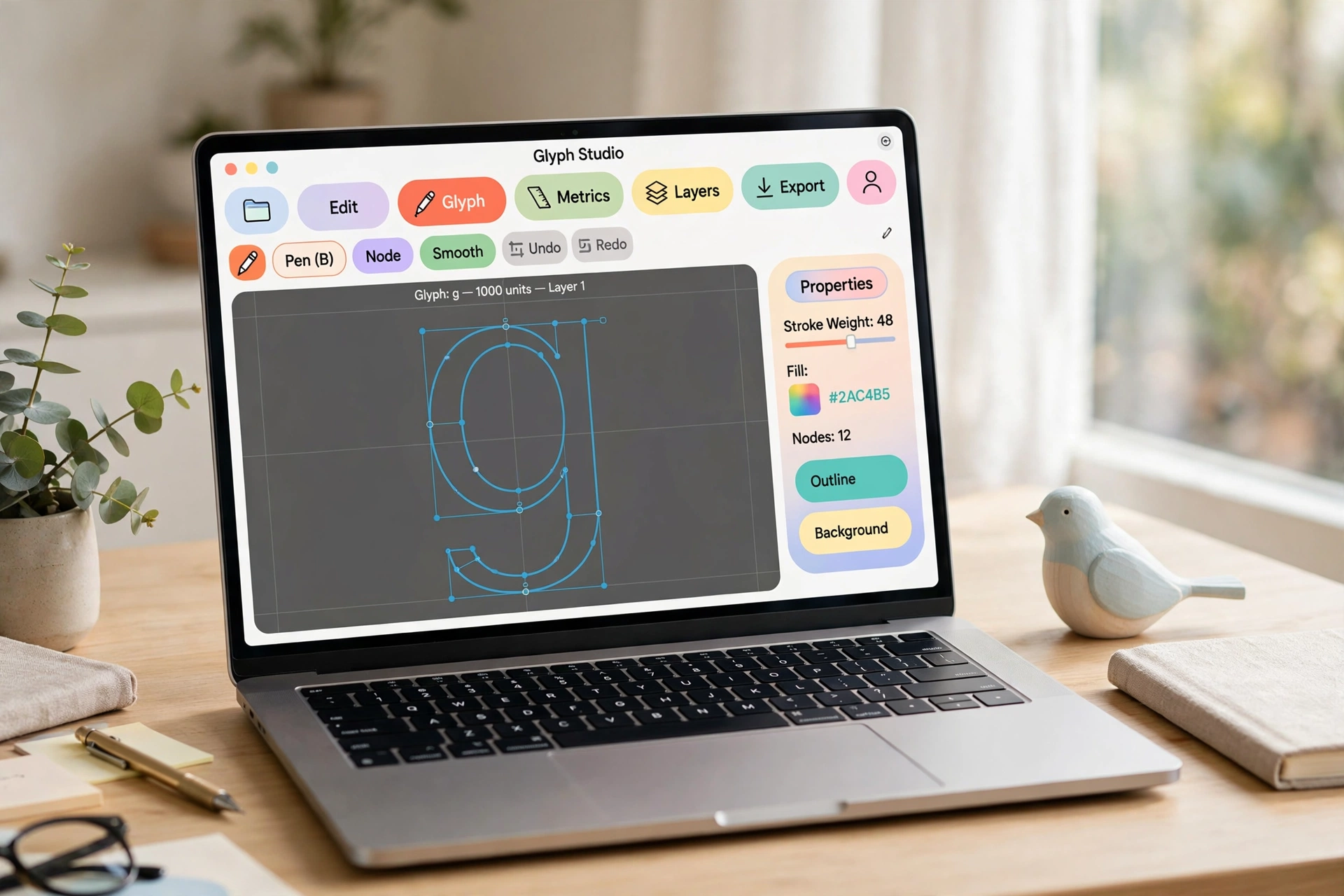
 BirdFontWindows, Mac & Linux · free (SIL OFL) or about $5 commercialVisit site
Route 5: the free professional editor
FontForge is where font making stops being a novelty. It is a complete font editor, free and open source, for Windows, Mac, and Linux, and it has been the field’s free workhorse for two decades. You draw letters properly, with the same kind of curved outlines professional fonts use. You set spacing and kerning yourself. You can add OpenType features, build multiple weights, and export every format that matters.
The cost is not money, it is the interface. FontForge looks and behaves like the serious engineering tool it is, and the first week is mostly learning where things live. In exchange, nothing about how fonts work stays hidden from you, and skills learned in FontForge transfer directly to the paid editors. If your goal is to learn type design rather than to obtain one font, this is the route, and it costs nothing but patience.
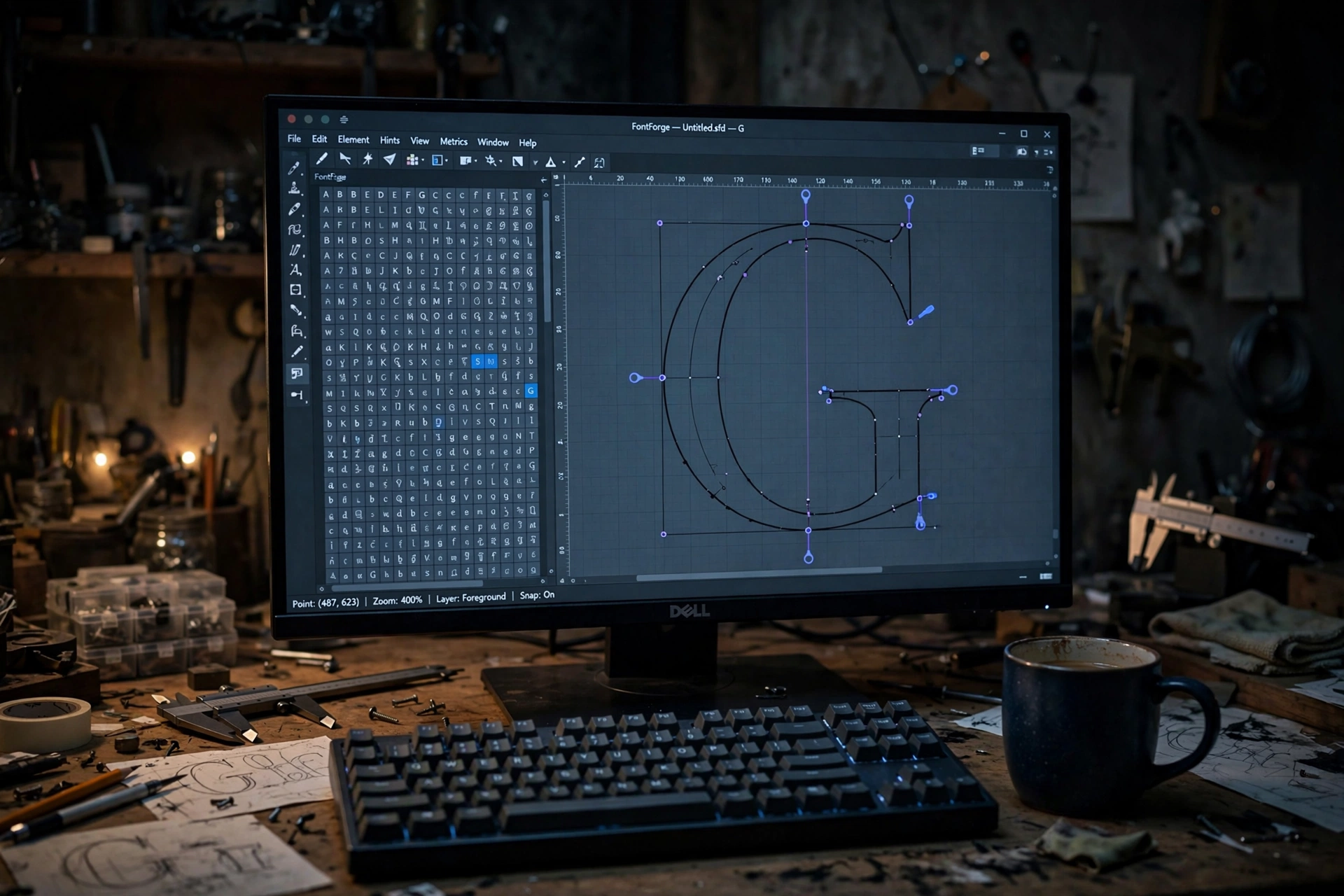
 FontForgeWindows, Mac & Linux · free and open sourceVisit site
Route 6: the professional editors
Working type designers mostly live in one of five programs, and the differences are about workflow and platform more than capability.
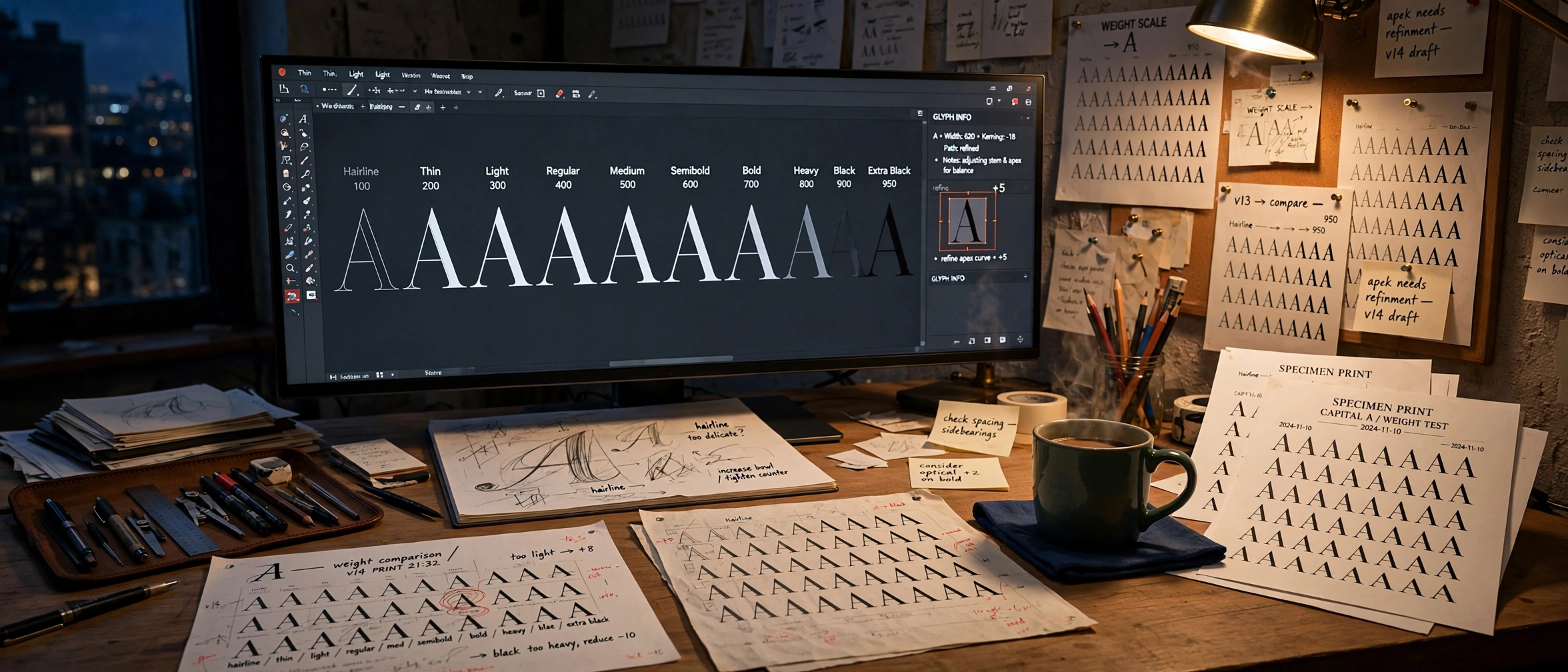
Glyphs (Mac only, a few hundred dollars, with an inexpensive Mini edition) is the modern favorite: fast drawing, clever automation that generates features and spacing help from your letterforms, and the smoothest path to variable fonts, the kind that slide continuously from light to bold. FontLab (Mac and Windows, the priciest of the five) is the veteran all-rounder, with the deepest toolset out of the box. RoboFont (Mac only) is the programmer’s editor, built on the open UFO format and Python scripting, minimal by design and extended by the scripts you write or borrow. FontCreator (Windows and Mac, $49 to $199, perpetual license) is the one roundups forget: a professional editor in continuous development since 1997 whose specialty is opening an existing font and changing it without throwing away the OpenType features its designer programmed. It gets its own walkthrough here. Fontra (browser-based, free and open source) is the newcomer: built variable-first by the Black[Foundry] team, it runs in a browser tab rather than an installed app. It is covered alongside the paid editors here.
What the money buys at this level is speed and leverage: drawing one weight and interpolating a family, reusing parts across letters so a fix propagates everywhere, production checks that catch broken outlines before your users do. Nobody needs this tier to make a good font. Everybody who makes fonts for a living ends up here, because time becomes the expensive ingredient.
 GlyphsMac · a few hundred dollars, Mini edition for much lessVisit site
 FontLabMac & Windows · the priciest of the three, free trial availableVisit site
 RoboFontMac · built on UFO and Python scriptingVisit site
 FontCreatorWindows & Mac · $49 to $199 · perpetual licenseVisit site
 FontraBrowser-based · free and open sourceVisit site
The part every route shares
However you make the letters, three jobs wait at the end, and skipping them is what makes most first fonts feel homemade.
Spacing and kerning. Letters are judged by the spaces between them. Test with words designed to expose problems: type designers traditionally proof with strings like “Hamburgefonstiv” (it packs the awkward shapes together) and “adhesion” (for lowercase rhythm). If a word looks like it is limping, the spacing is why.
Testing like a user. Install your font and use it in the applications it is meant for, at the sizes it is meant for, in paragraphs rather than alphabet sheets. Set real text. The letters that looked fine alone will tell on each other in a sentence.
Honest weights. A bold that is barely heavier than the regular is the classic beginner tell. This is measurable, not a matter of taste: font files carry numbers for weight, width, slant, and stroke contrast, and a finished font’s numbers should match its claims. A professional file holds up under that check. Microsoft’s Michelangelus, a free family drawn by Studiogusto, measures a moderate stroke contrast of about 2.3 and italics slanting at a steep 20 degrees, bold numbers for a text face, and its regular-to-bold step is unmistakable. Aim for that kind of clarity about your own font’s numbers before you share it.
Which route is yours
The six routes below are sorted by three questions. Find yours:
A note on licensing your own font
In the United States, the font file you make can be copyrighted as software, but the letter shapes themselves are not protected, and you decide what others may do with the file. Our guide to font copyright law explains that split. If you release it, say so in a license file inside the download: free for personal use, free for everything, or commercial terms. The SIL Open Font License is the standard permissive choice; a large share of the free fonts in the world, including most of Google Fonts, travel under it. Picking a license feels like paperwork, but it is the difference between a font people can confidently use and one they quietly avoid.
Deeper guides to each route are live now, each building the same small test font so the results can be compared side by side and measured: a Calligraphr handwriting walkthrough, FontStruct, Fontself, BirdFont, and FontForge. Start with whichever route matches your goal today. The first font is the hard one; after that, they get better fast.