· guides
Glyphs vs FontLab vs RoboFont, compared
This is Route 6 from our guide to making your own font, the professional tier, and the three editors that define it: Glyphs, FontLab, and RoboFont. Roundups tend to treat them as interchangeable variations on “serious font software, a few hundred dollars.” They are not. They differ in platform, in how long you may try before paying, in whether variable and color fonts are core features or add-ons, and in what their licenses actually say about the fonts you produce. This post compares them on the facts as published on their official buy, handbook, and legal pages in October 2026. Where a vendor’s own pages do not settle a question, we say so rather than guess. One professional editor is deliberately not in the table: High-Logic’s FontCreator, the tool roundups forget, is a different enough proposition (and was, we admit, our own omission) that it gets its own post instead of a column.
The three at a glance
| Glyphs 4 | FontLab 8 | RoboFont 4 | |
|---|---|---|---|
| Platform | Mac only (macOS 12+) | Mac and Windows | Mac only (macOS 10.12+) |
| Price | €319 (Mini: €49) | $499 lifetime; $97 for 3 months | €400, one time |
| Free trial | 30 days | 10 days | 30 days |
| Variable fonts | Built in | Built in, deep | Via the Batch extension |
| Color fonts | Built in, all formats | Built in | Via the RoboChrome extension |
| Your fonts’ ownership | Not stated in official terms found | EULA: full, exclusive ownership | Not stated in official EULA found |
Glyphs: the Mac specialist
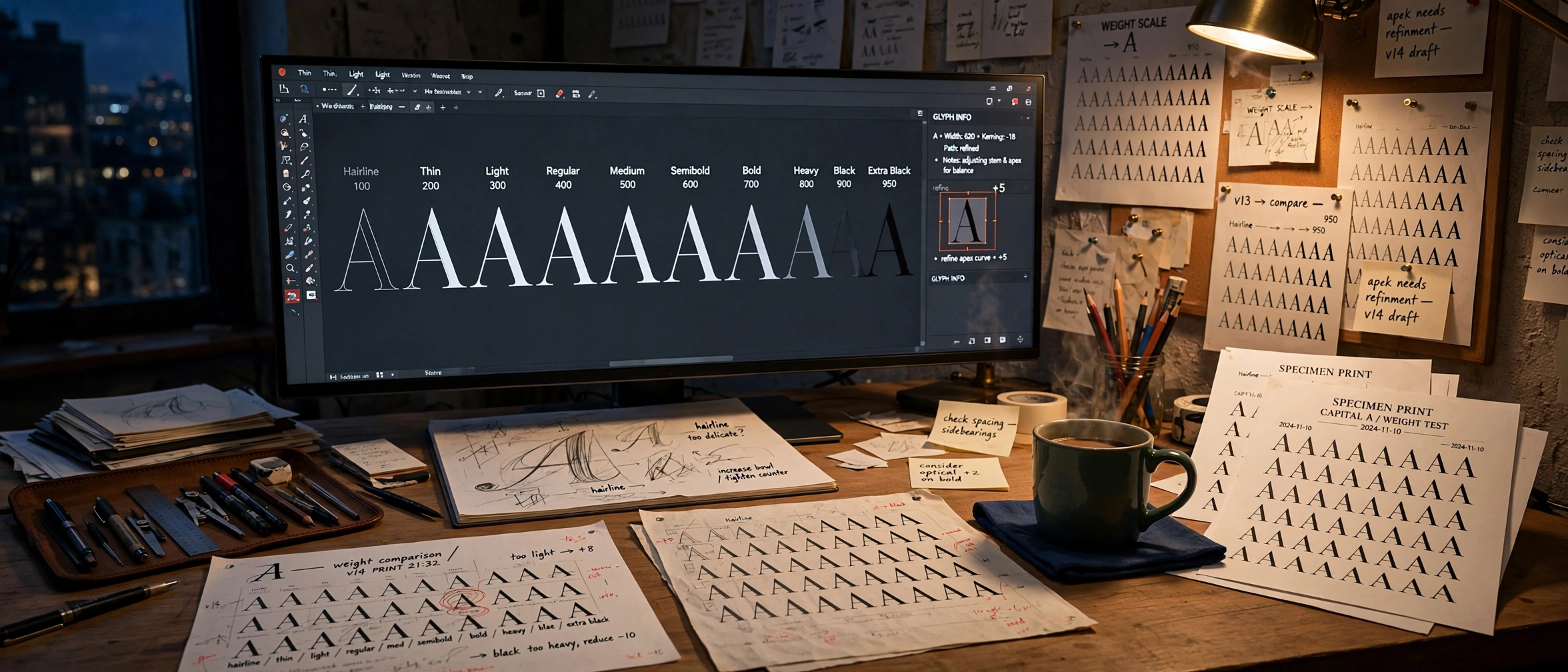
Glyphs calls itself the complete Mac font editor, and the Mac part is absolute: there is no Windows or Linux version, and its tutorial library carries an entry explaining why. The current release is Glyphs 4 (roundups quoting “Glyphs 3 at $299” are a version and a price behind), at €319, with a 30-day free trial, half price for students. Upgrades from Glyphs 2 or 3 cost €199, and recent Glyphs 3 buyers upgrade free.
The workflow is master-based and export-driven. You draw and space masters, define instances in Font Info, and production happens at File, Export, which has separate tabs for static OpenType, Variable Fonts, and UFO. Static output is .otf (CFF flavor) or .ttf, with WOFF and WOFF2 as checkboxes; a Test Install option writes the font straight into the Mac’s font system for proofing. One handbook nuance worth knowing: variable fonts are always exported in the TrueType flavor. Color support is the broadest claim of the three: the vendor states all color formats are supported, COLRv0 and COLRv1, SVG, sbix, and layered fonts, with COLRv1 gradients highlighted on the homepage.
The trap in the lineup is Glyphs Mini (€49). It is a genuine beginner’s edition, not a cheap Glyphs: per the official comparison it makes single-master OpenType fonts only, covers simple scripts (Latin, Cyrillic, Greek, Symbol, Emoji), and generates common OpenType features automatically. Variable fonts, color fonts, multiple masters, and the advanced feature editor are full-app territory.
 GlyphsMac only · €319 · Mini €49 · 30-day trialVisit site
FontLab: the cross-platform veteran
FontLab 8 (current point release 8.4) is the only one of the three that runs on both Mac and Windows, and it is pitched at everyone from novice to established foundry. The lifetime license is $499; a Starter license runs $97 for 3 months, described as an extended trial or single-project license; upgrades from FontLab VI or Studio 5 are $299, and the education lifetime license at $335 explicitly allows commercial work. The trial, however, is 10 days, fully functional but a third the length of the others’: the single most misreported fact about FontLab, and one that changes how you plan an evaluation. Clear your calendar first, or buy the Starter.
Its official starter path, “FontLab in 8 days,” shows the philosophy: start a font, draw glyphs or import sketches and images to autotrace on the Sketchboard, clean up with FontAudit, build accented glyphs from composites and elements, space and kern from automatic starting points into linked metrics and class kerning, let OpenType features generate during editing or on export, test in the Preview panel, and export through profiles. The export list is the longest of the three: OpenType PS and TT, variable OpenType in both flavors (TTF with gvar, OTF with CFF2), color OpenType (SVG, COLRv0/v1, CBDT, sbix), Type 1, WOFF2 and WOFF webfonts, UFO, designSpace, and even the Glyphs file format.
Variable support is the deepest here on paper: blending, interpolation and extrapolation, intermediate masters, custom per-glyph axes, conditional glyph substitution, and an Axis Graph that maps design coordinates to the ones users see. Color follows a clean documented rule: glyphs built from solid colors export as COLRv0; add gradients and FontLab exports COLRv1 with a CPAL palette, and variable color fonts in COLRv1 are supported too. One export limit to note: variable fonts are not exported as .woff or .eot; variable web output is WOFF2 alongside the uncompressed file.
FontLab also wins the licensing section outright. Its EULA defines “Your Content” as the fonts and designs you create with the software, permits you to create, modify, and distribute it without restriction from FontLab, and states that you retain full and exclusive ownership of it, with FontLab claiming no ownership. The same section adds a sober caveat worth repeating: purely AI-generated output may not qualify for copyright protection and may not be unique to you.
 FontLabMac and Windows · $499 lifetime · $97 Starter · 10-day trialVisit site
RoboFont: the tool you extend
RoboFont 4 (current release 4.6) is Mac-only and written from scratch in Python, and its design philosophy is the inverse of FontLab’s: a focused core editor plus an ecosystem of specialized extensions, many open source, installed through the Mechanic 2 extension manager. Its native source format is UFO3, shared with the wider open font tooling world (and with FontForge, the previous route in this series).
The official “Making a font” tutorial runs: new font, names in Font Info, add glyphs, save as .ufo early, draw in the Glyph Editor, space and proof in the Space Center, then File, Generate Font, with options for decompose, remove overlap, autohint, and release mode. Native generation produces OpenType CFF (.otf), OpenType TTF, and legacy PostScript only. Here is the fact roundups most often blur: variable fonts, WOFF2 webfonts, and color fonts are not core generation features. Variable fonts are built through a designspace workflow and generated with the Batch extension; color fonts (SVG, COLR/CPAL, sbix) come from the RoboChrome extension. Both extensions are free and open source, but they are steps, installs, and concepts beyond the base app, and a fair comparison counts them that way.
The license model has also changed from what older pages describe. The Full License is €400, one time, unlimited term (with volume pricing above 10 licenses); calling RoboFont a subscription is out of date. The trial is 30 days, fully functional, not extendable. The Student License is free for a year but comes with a quirk: only teachers can request it; students cannot apply directly. Owners of RoboFont 3 bought after July 1, 2020 upgrade free; earlier owners get half off.
 RoboFontMac only · €400 one time · 30-day trial · extension-drivenVisit site
Who owns your fonts: one vendor answered clearly, two did not
This series has asked every tool the same question, and the professional tier’s answers split sharply. FontLab’s EULA, quoted above, is the plainest statement in the entire series: full and exclusive ownership, no claim by the vendor. For Glyphs and RoboFont, we found no official terms or EULA statement settling who owns fonts created with them: Glyphs’ official pages in this pass contain no output-ownership clause (a developer’s forum reply allowing commercial use of trial-made fonts is not a terms document), and RoboFont’s EULA covers the software and its bundled files without a “your content” clause. Silence is not a claim, and professional practice assumes your fonts are yours; but after FontLab showed how easy the sentence is to write, its absence elsewhere is worth knowing about before a foundry builds on either tool. Our licensing explainer covers the licenses you will apply to those fonts yourself.
FontCreator: the fourth chair
The comparison above has an omission we have been asked about, fairly: FontCreator, by the Dutch company High-Logic, in continuous development since 1997 and now at version 16 for Windows and macOS. It is a full professional editor, with variable fonts and COLR and SVG color support built in, sold on perpetual licenses ($49 Essentials, $199 Professional) with a 30-day trial, in a market where $499 is the other cross-platform price. Its distinguishing skill is editing existing fonts while preserving their complete OpenType layout programming, which none of the three editors in the table claims to do. It is not in the table because it deserves better than a column: the full assessment is in our FontCreator walkthrough.
 FontCreatorWindows & Mac · Essentials $49 · Professional $199 · perpetual licenseVisit site
Fontra: the free, open-source chair
The newest seat at the table costs nothing. Fontra is a browser-based font editor, free and open source under the GPL v3 license, from the Paris foundry Black[Foundry], lead developer Just van Rossum. Van Rossum’s name recurs in this series: he created fontTools in 1999, the library our Python tools post is about. Fontra grew out of RoboCJK, Black[Foundry]’s extension for building CJK families inside RoboFont, when the team wanted variable font technology integrated more deeply than an extension allowed.
The design model inverts the usual one. Where the editors above draw static masters and export variable fonts, Fontra is, in its makers’ phrase, variable from the ground up: glyphs and components are variable first-class citizens, sources sit on design axes, and the text view interpolates live as you drag the axis sliders. It speaks the open formats: it reads and writes .designspace and .ufo, opens .ttf and .otf files including variable fonts, keeps .fontra project files of its own, and reads Glyphs files through a companion package. The editor runs in the browser, driven by a Python server on your machine; the Fontra Pak packages that server as a desktop app for Mac, Windows, and Linux, and exports static and variable fonts through fontmake.
Two caveats. The project calls itself in development (the current Fontra Pak is version 2026.10.0, October 2026), and its roadmap still has unchecked boxes. And the GPL covers the application, not your output; it makes no claim on the fonts you produce. It offers a professional, variable-first model at a price of zero.
 FontraBrowser-based · free · GPL v3 open source · desktop via Fontra PakVisit site
How to choose
- You are on a Mac and want the modern pipeline in one app: Glyphs. Variable and every color format are built in, the trial is a full month, and Mini is an honest on-ramp as long as you know its ceiling.
- You are on Windows, or you want the widest export list and the clearest ownership terms: FontLab, the only cross-platform option here. Respect the 10-day trial: evaluate with a real project ready to open, or treat the $97 Starter as the real evaluation license.
- You build your own tools, or want to: RoboFont. Its extension ecosystem and Python core are the point; budget the setup time for Batch and RoboChrome if variable, webfont, or color output is on your roadmap.
- You want the modern variable-first model and would rather pay nothing: Fontra. It is still in development, so check its roadmap against your deadline, but no other editor here treats variable glyphs as the starting point, and the price is zero.
And if the prices give you pause, remember the shape of the whole series: FontForge is free and formidably capable, BirdFont does variable and color work for $9.99, and these three are what the extra money buys: integration, polish, current format support in the box, and, in FontLab’s case, the cleanest paperwork in the business.
Sources: Glyphs buy and upgrade pages and the Glyphs Handbook export chapter; the FontLab product page, education pricing, and EULA; RoboFont licensing, downloads, and documentation; Fontra and its GitHub repository, all read October 2026.