· guides
FontForge: the free, scriptable font editor
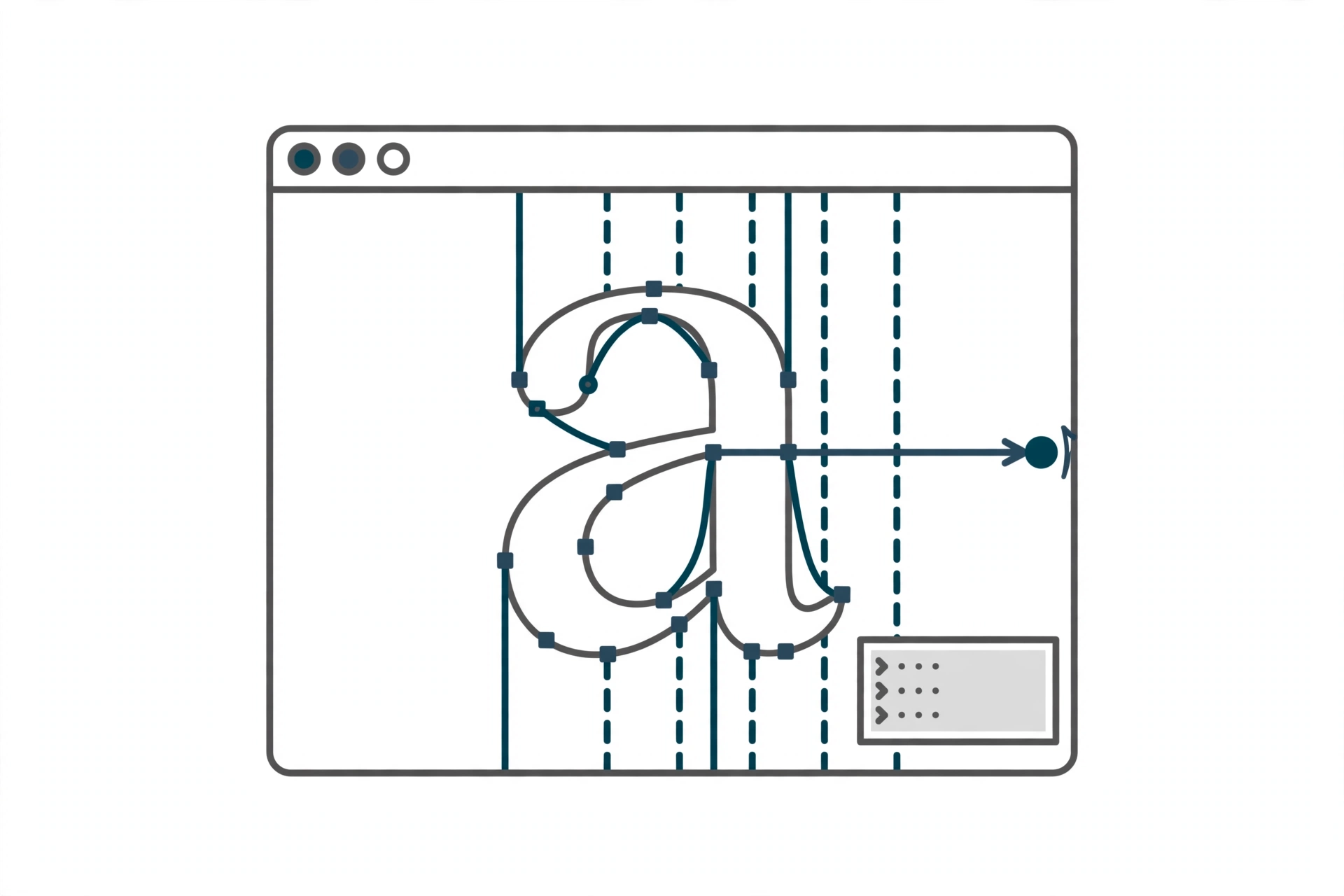
This is Route 5 from our guide to making your own font, the free heavyweight. FontForge is a community-maintained, open source font editor for Windows, Mac, and Linux, and it is a different species from the tools in the earlier routes: not a handwriting converter, not a block builder, not a plugin, but a full engineering environment for drawing glyph outlines, setting metrics, programming ligatures and other glyph interactions, and generating finished fonts. Whole professional workflows, including the production pipelines behind well-known open source typefaces, run through it.
It is also the tool about which the internet repeats the most confident errors. This post follows FontForge’s own tutorial and documentation, and flags three places where the summaries go wrong: what its “Multiple Master” feature actually is, what its save file actually is, and what its license does and does not say about the fonts you produce.
What you need before you start
- FontForge itself, free from fontforge.org. There is no paid tier, account, or trial clock.
- The book. FontForge’s homepage steers new users to Design With FontForge, a free book-length companion, before the documentation proper. Take the hint: the documentation is a reference, the book is the on-ramp.
- Patience with an interface. FontForge’s windows and dialogs carry two decades of accumulated capability and look it. Nothing in this route is hard because the concepts are hidden; it is demanding because nearly everything a font contains is exposed and adjustable.
A word on FontForge’s own license, because summaries flatten it in both directions: the license file states FontForge as a whole is GNU GPL version 3 or later, while almost all of its parts are under the revised BSD license (most of the program was written by George Williams under that license), with later features under GPLv3 by their developers and LGPL libraries such as Pango and Cairo in the mix. “FontForge is BSD” and “FontForge is GPL” are each half the picture.
The workflow, step by step
FontForge’s official tutorial teaches mechanics, not taste: it will show you exactly which dialog does what, and leave the letterforms to you.
- Create the font and set its foundations. A new font starts in Font Info: name, copyright, and the ascent and descent whose sum is the em size, the master grid of the whole design (by convention 1000 units for a PostScript-flavored font, a power of two such as 2048 for TrueType). Headed for TrueType? Set quadratic splines now; the flavor decision shapes the curves you draw.
- Draw glyphs against a guide image. Open a glyph slot, import a drawing or scan into the background layer, then place curve, tangent, and corner points in the foreground layer, close the path, and adjust control points until the outline tracks the image. Drag the width line to set the advance width, how much horizontal room the letter takes when typed. (An external autotrace program can be wired in if you have one.)
- Build the composites. Accented letters come from references or Build Accented rather than redrawing; ligatures are built with Build Composite plus a ligature lookup and subtable defined in Font Info. This lookup-and-subtable pattern, define the rule in Font Info, apply it in the glyph, is how most of FontForge’s OpenType machinery works.
- Set metrics and kerning. Side bearings and widths are tuned in the metrics view (Auto Width gives an approximation to refine, not an answer), then kerning through a GPOS pair-positioning lookup and subtable, or through kerning classes when whole groups of letters behave alike.
- Add variants and mark attachment. Single-substitution lookups handle things like figure variants; GPOS anchor classes make accents land on base letters instead of floating near them.
- Check, then Generate. Run Find Problems to catch the classic outline errors, optionally add bitmap strikes, and then use File, Generate to produce the finished font in a standard format. Installation after that is your operating system’s normal process; our install guide covers it.
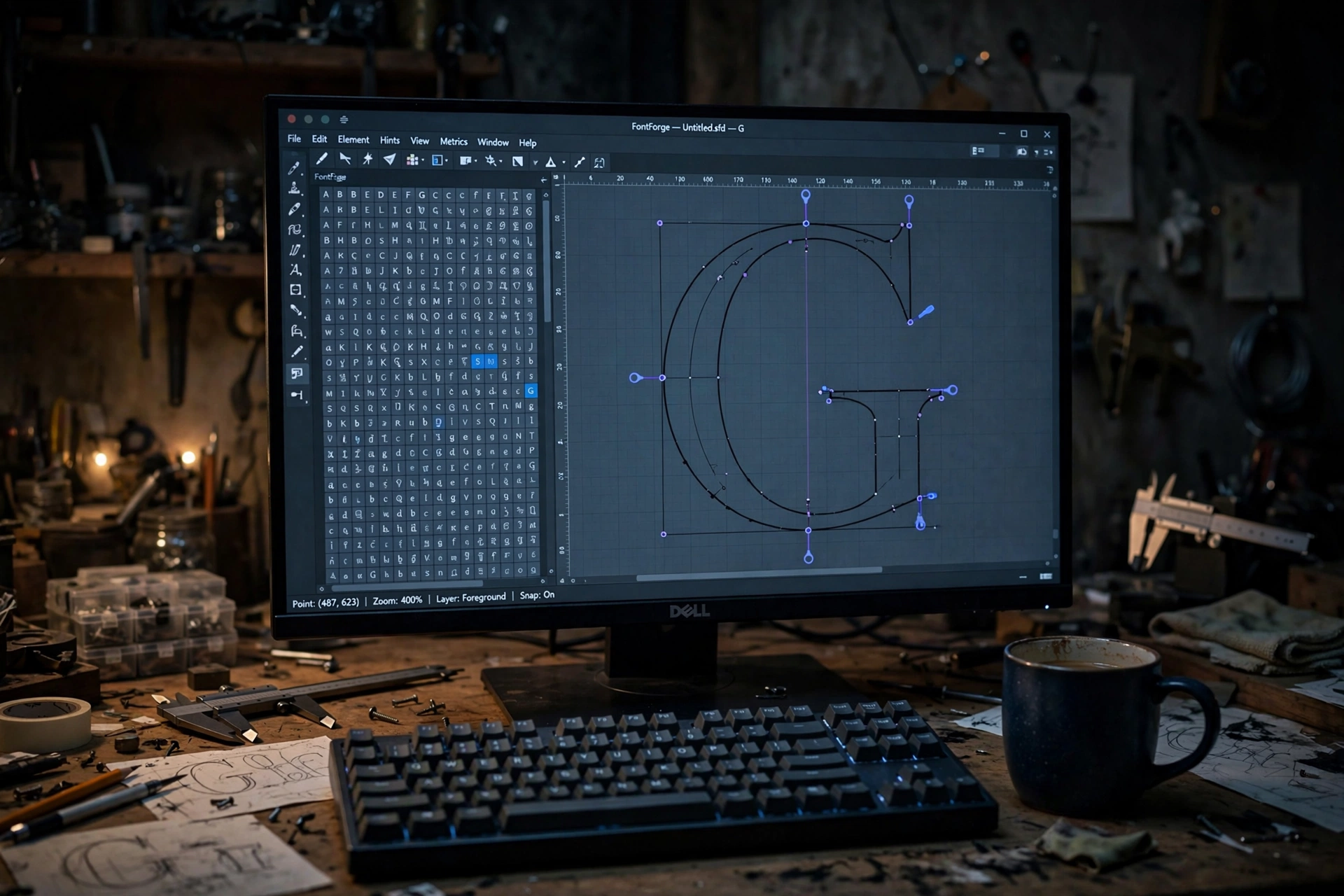
 FontForgeWindows / Mac / Linux · free and open source · Python scriptableVisit site
The save file is not a font
FontForge’s working format is SFD, the Spline Font Database, and roundups that list “SFD” alongside TTF and OTF as an export format mislead beginners into a classic dead end: they save their work, find a file no other program can open, and conclude the font is broken. Saving preserves your project. Generating produces the font. The Generate step is where a format is chosen, and the documented list is long: TrueType, OpenType (CFF flavor) with its typography tables, PostScript Type 1 and CID-keyed fonts, SVG fonts, WOFF (the Font Info documentation gives it a dedicated section), UFO 2 and UFO 3 for exchanging source files with other editors, and bitmap formats including BDF, Mac NFNT, and Windows FNT. One absence to note honestly: WOFF2 does not appear in the official documentation pages we read, so plan a conversion step if current webfonts are the destination.
Multiple Master is not variable fonts
This is the most repeated error in FontForge coverage, and it is an understandable one, because FontForge genuinely documents something called Multiple Master with axes like weight, width, and optical size. It is, however, older technology: PostScript Type 1 multiple master fonts (with an Apple distortable-font equivalent), in which several extreme designs live in one description and intermediates are interpolated. The rules give it away: at most 4 axes, a design is required for every extreme combination, and the designs must share contour and point structure. Modern OpenType variable fonts, the machinery our variable fonts explainer describes, are a different system from Multiple Master, and FontForge’s own documentation shows it can write variable fonts with fvar, gvar, avar, and cvar tables. What it lacks is STAT, HVAR, and CFF2 support, so its variable font support is partial rather than complete. What FontForge does document is a static interpolation command (Element, Interpolate Font) that produces one intermediate style from two compatible fonts: genuinely useful for making a medium weight from a light and a bold, but a one-off export, not a variable font.
Color gets the same careful treatment. No COLR or CPAL documentation exists on fontforge.org; what is documented is an older layered approach: multi-layer Type 3 fonts, where each stroke or fill sits on its own editable layer with its own color, stroke width, dash pattern, gradients, tiled patterns, and clipping paths, plus SVG fonts that may also carry opacity. It is a real color capability from an earlier era of the technology, not the modern color tables that browsers and operating systems now expect (see our color fonts explainer for the current landscape).
Who owns the font you make: the honest gap
Every other tool in this series makes some statement about output. BirdFont binds its free version’s output to the Open Font License explicitly. Fontself disclaims any ownership in your content explicitly. FontForge, alone, says neither.
We checked the official FAQ’s legal material first-hand for this series. It covers whether modifying existing fonts is legal (consult the font’s own license and its OS/2 embedding restrictions; consult a lawyer for a definitive answer), and, asked what license to use on an open source font, it recommends the SIL Open Font License: “The above is the license I would recommend.” No statement on fontforge.org asserts a FontForge claim over fonts created with it, and none explicitly disclaims one either. The practical reading, on this evidence: nothing in the program’s terms stops you licensing your font however you choose, the project itself suggests the OFL for open releases, and there is no reassurance page to quote because the project never wrote one. Our licensing explainer covers the choices themselves.
The scripting superpower
FontForge has two scripting interpreters. Its legacy native language (described in its own docs as rather like a mixture of C and shell) can apply high-level modifications but cannot build a glyph up out of splines. The Python interpreter can: the embedded fontforge module exposes point, contour, layer, and glyph pen objects, so outlines can be constructed, measured, and transformed programmatically, and psMat handles matrix transformations. FontForge can also be installed as a Python extension, so a system Python can import fontforge and drive it as a library. This is why FontForge turns up inside automated font production and testing pipelines long after its interface has been forgiven: it is the only tool in this series that can be run as a batch engine, generating and checking fonts without a human at the mouse.
The verdict
FontForge is the right route when you want a complete, professional-grade font editor and your budget is zero, when your fonts will serve large character sets and real OpenType features, or when automation matters, because nothing else free can be scripted like this. The costs are time and tolerance: a steep interface, documentation that assumes you will read it, and a feature list rooted in earlier font technology in places where the modern equivalents (OpenType variable fonts, COLR color) are not documented. If you would rather buy your way to a current, integrated variable and color workflow, that is exactly what the professional editors in the final post of this series sell.
Sources: fontforge.org, its downloads page and license file, the official tutorial, the Multiple Master dialog docs, the multi-layer font docs, the FAQ, and the scripting documentation, all read October 2026.