· guides
Calligraphr: turn your handwriting into a font
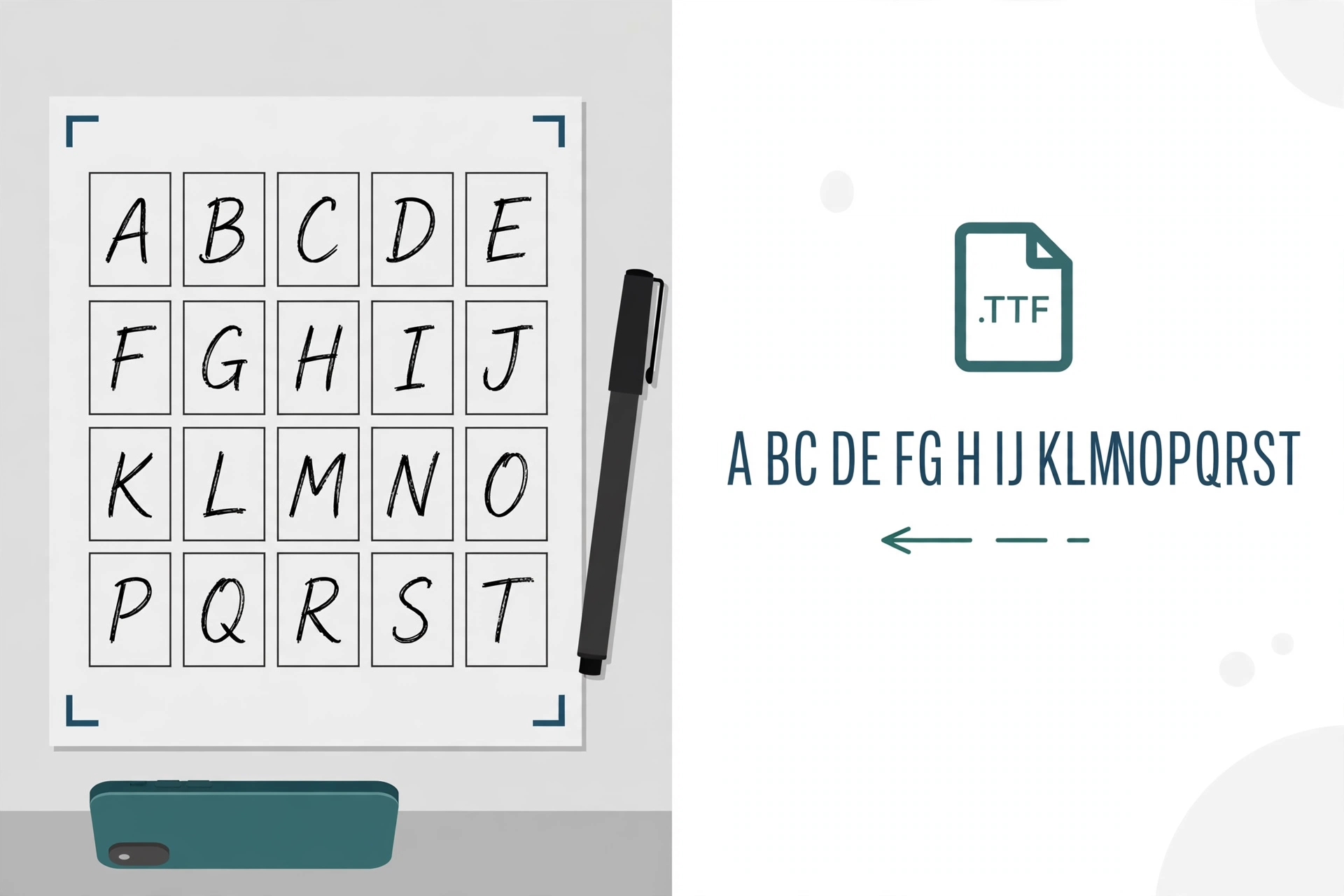
This is Route 1 from our guide to making your own font, taken step by step. Calligraphr is a website that turns handwriting into a working font: you print a template, write your letters in the boxes with a black pen, scan or photograph the sheet, and the site builds you a font file from your own hand. No drawing software, no bezier curves, nothing to install first. It is the fastest route in the whole guide from a blank page to typing in your own handwriting, and it costs nothing to try.
It is also the route people most often want for personal things: a font of a parent’s or a child’s handwriting, signatures and lettering for cards and journals, a calligraphy style you have practiced for years and want on your computer. This post covers the workflow exactly as Calligraphr documents it, then the parts the homepage does not emphasize: where the free tier’s limits actually bite, and what happens to your work if you stop paying.
What you need before you start
- A free Calligraphr account (registration, no credit card).
- A printer, and a black pen. Calligraphr recommends a felt tip, because thin ballpoint strokes scan weakly.
- A scanner, or a phone camera. For scanning, the guidance is 300 to 600 dpi, and not the binary black-and-white mode: grayscale or color keeps the stroke edges the software traces.
That is the whole kit. Everything else happens in the browser.
The workflow, step by step
- Choose a template. In the Templates section, pick a character set. Calligraphr’s own tutorial starts with the two smallest: Minimal English and Minimal Number. Small sets are the right first move: you find out whether you like the result before committing to a full alphabet with punctuation.
- Download and print the template. Templates come down as PDF or PNG files: a grid of boxes, one per character, with markers in the corners.
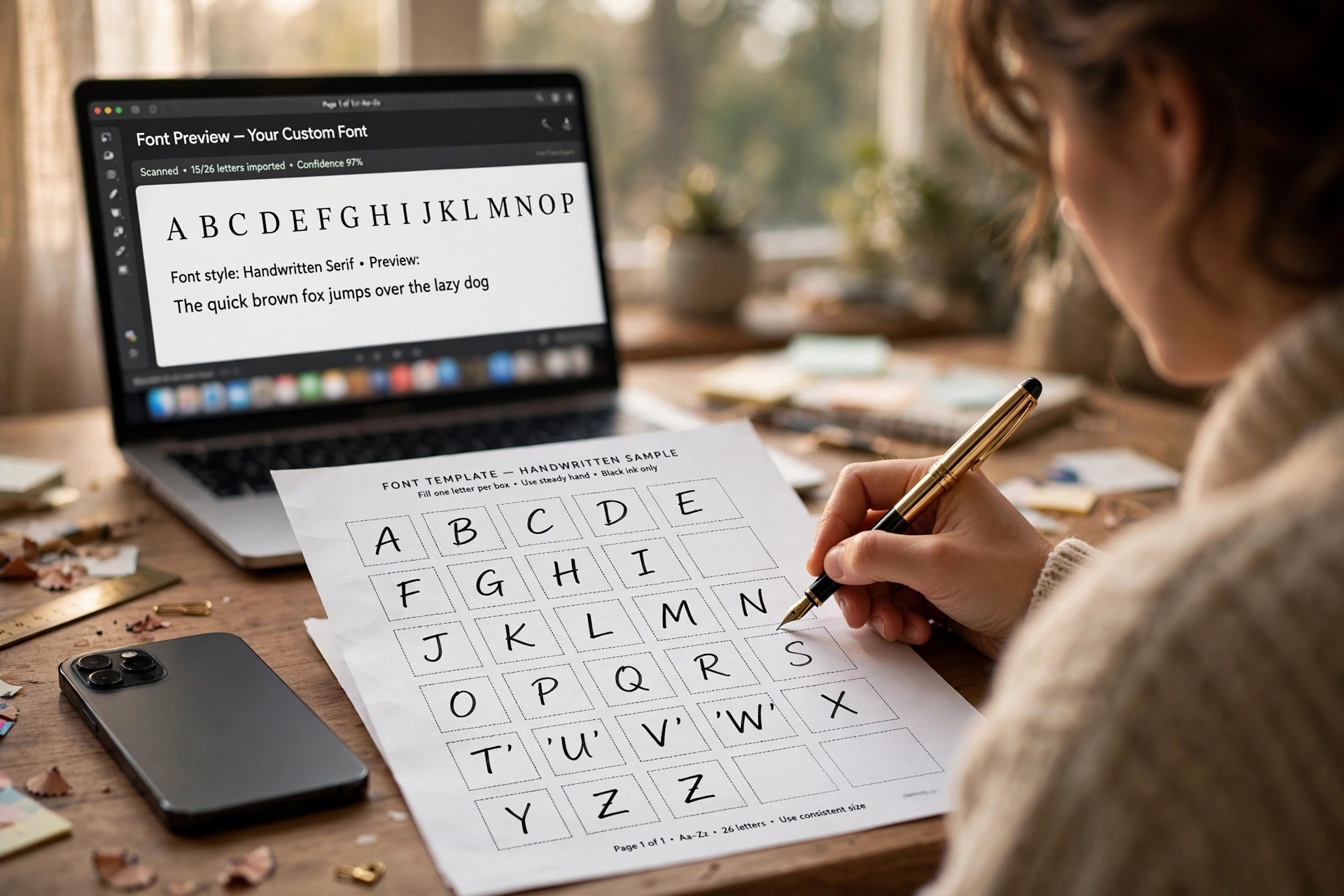
- Write your letters. One character per box, in black ink, staying inside the lines. Write the way you actually write; the charm of the result is that it is your hand, not a tidied version of it.
- Scan or photograph the sheet. Keep all four corner markers in frame. The markers are how the software knows where each box sits on the page, so a cropped marker means a failed upload.
- Upload the template. Under My Fonts, choose Upload Template, and the characters are read off the sheet and added to your font.
- Adjust what needs adjusting. Inside the app you can nudge individual characters, and fix spacing, baseline, and size. This is the step that separates a novelty from a font you will actually use: most first results need the baseline pass.
- Build, preview, download. Build Font produces the file (the tutorial’s output is a .ttf; .otf is also offered), and from there it is an ordinary font: our install guide covers getting it onto Windows, Mac, iPhone, or Android.
 CalligraphrBrowser-based · free tier, Pro for larger character sets and server storageVisit site
Free and Pro, in real numbers
The free tier is more generous than most roundups report, and its limits are specific rather than vague. These are the limits as tabled on Calligraphr’s pricing page:
| Free | Pro | |
|---|---|---|
| Fonts you can create, total | Unlimited | Unlimited |
| Fonts in progress at once | 1 | 20 |
| Characters per font | 75 | 600 |
| Variants per character | 2 | 15 |
| Ligatures | No | Yes |
| Per-character spacing | No | Yes |
| Where your work is stored | Your browser | Server, with backup |
| Processing | Standard | Prioritized |
Pro is a paid upgrade, not a plain monthly subscription: $10 for one month, or $6 a month on a six month upgrade (the pricing page displays it in your local currency, with a money-back guarantee). Two numbers in this table do most of the work. The first is variants: Calligraphr’s answer to the problem that real handwriting never writes the same letter twice the same way. Give it two or more versions of each character and it rotates them as you type, which is what makes the output read as handwriting instead of a rubber stamp. The second is the character cap, which deserves its own section, because it does not work the way you would expect.
The four catches
The 75-character cap bites at build time, not at drawing time. On the free tier you can create more characters than the limit, but when you build the font, only a subset within the limit makes it into the file. So the planning happens up front: 75 characters covers uppercase, lowercase, digits, and core punctuation with a little room to spare, and anything beyond that is Pro territory.
Free storage lives in your browser, and browsers forget. With no server copy, your font-in-progress exists only in one browser on one computer: no sync, no backup, and no recovery if the browser clears its data. Calligraphr’s own FAQ warns that browsers may delete stored data after a period of non-use, giving indicative periods of about two months for Chrome and Firefox and about a week for Safari, sooner if disk space runs low. Treat a free-tier project as something to finish, download, and keep the file from, not something to leave sitting for a season.
Joined-up writing is where the free tier runs out. Ligatures and per-character spacing are Pro features. For printed, separate letters that hardly matters. For cursive that is meant to connect, spacing control is much of the craft, and its absence is the honest reason a flowing script usually needs the upgrade, or a different route from the hub guide entirely.
This is a handwriting tool, not a variable or color font tool. Exports are TTF and OTF; no WOFF export is listed, and variable fonts and color fonts are not part of what Calligraphr documents. The randomization described above is variant rotation (contextual alternates under the hood), not variation axes. If you want a weight range from one file, that is the variable fonts world, and a different route makes it.
Who owns the font you make
Calligraphr’s terms are the cleanest in this entire series, and they are worth stating plainly: the fonts you create are your sole property. You may install them anywhere, use them for any purpose including commercial work, share them under any terms you choose, and you owe Calligraphr no credit. Just as important in practice, the files you download are ordinary font files: they keep working after a Pro upgrade lapses, and after you delete your account. The one responsibility the terms push back to you is source material: if you build a font from third-party images or artwork, checking that you have the right to use them is on you.
That combination, full ownership plus files that outlive the upgrade, is rarer than it should be among font tools, and it makes the release decision entirely yours. If you do share your font, our licensing explainer walks through what a license needs to say, and the SIL Open Font License is the standard permissive choice.
The verdict
Calligraphr is the right route when the handwriting is the point: your own hand as a font for journals, cards, and documents; a calligraphy style preserved as something typeable; a child’s writing kept before it changes. It is the wrong route for a text face, for precise spacing and kerning work, or for anything variable or color. For those, go back to the hub guide and pick a later route: FontStruct, Fontself, BirdFont, and FontForge each get this same treatment in the posts that follow.
Sources: Calligraphr features, pricing, tutorial, FAQ, and terms of service, all read October 2026.