· guides
FontStruct: build a font from blocks, free
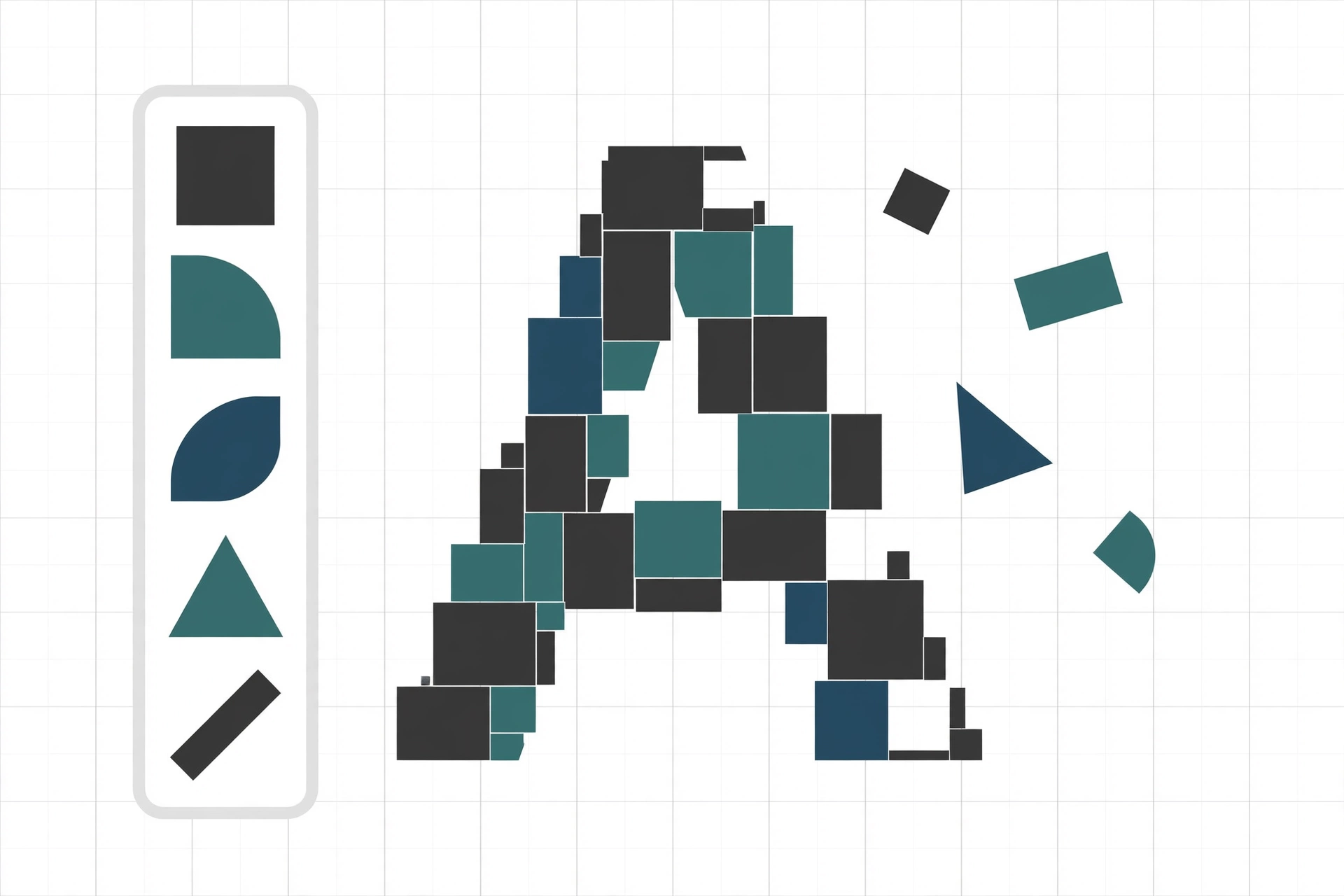
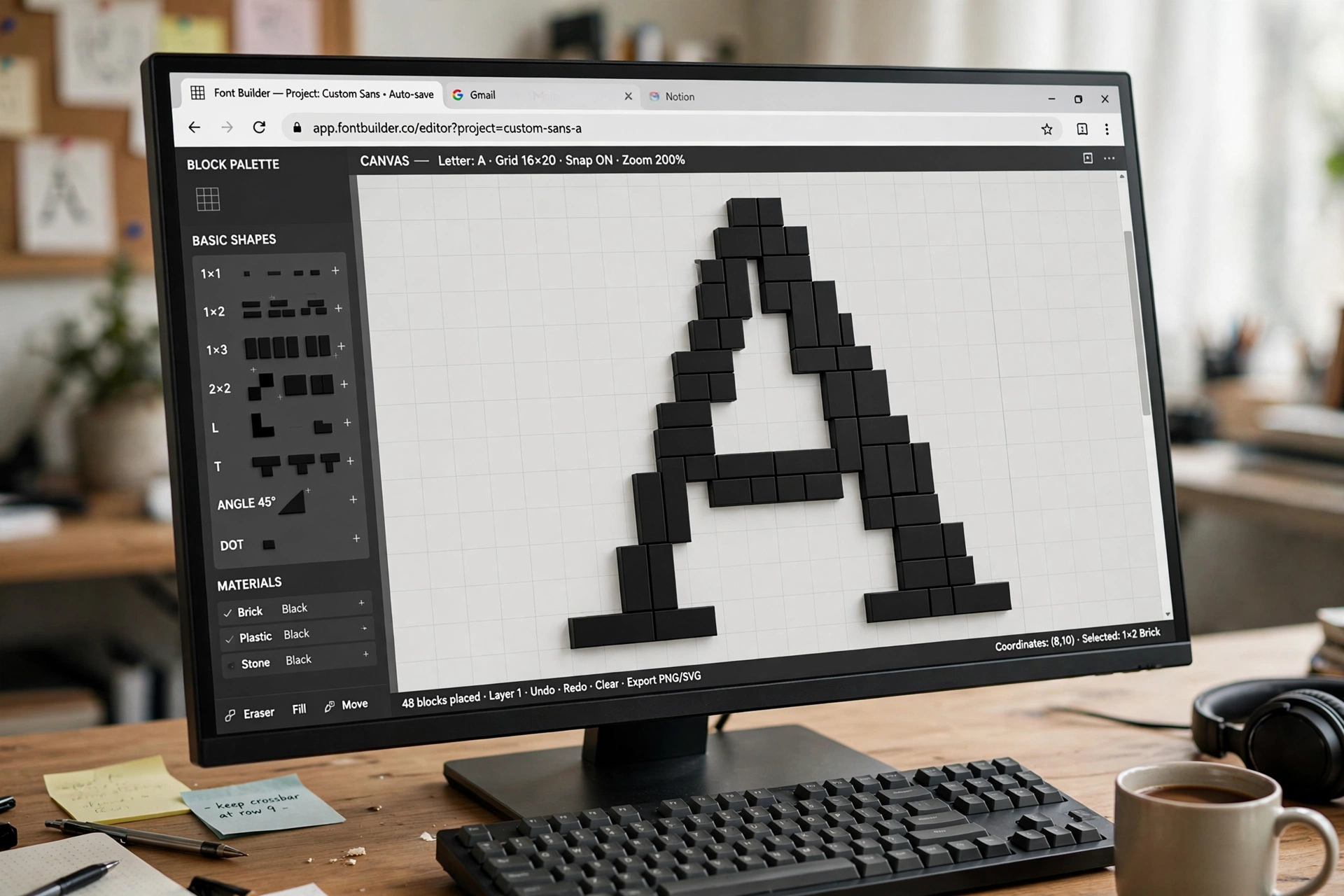
This is Route 2 from our guide to making your own font, and it is the opposite of Route 1. Calligraphr starts with your handwriting. FontStruct involves no drawing at all: you build every letter on a grid out of geometric bricks, rectangles, circles, wedges and diagonal pieces, the way you might build a letter from toy blocks. Creations are called FontStructions, the editor is the FontStructor, and the whole thing is free and runs in the browser.
The constraint is the aesthetic. Curves are assembled from pieces rather than drawn, so FontStruct suits pixel fonts, modular display faces, and geometric experiments, and it is genuinely used to teach the basics of type design: when a letter is built from countable units, questions like “how wide is an n compared to an m” stop being abstract. FontStruct’s own FAQ names its audiences plainly: people who want to build fonts quickly, type design enthusiasts, and educators. This post covers how it works, what you can download, and the part that deserves more attention than it usually gets: FontStruct’s licensing model, which works differently from every other tool in this series.
What you need before you start
- A free FontStruct account. An account is required before you can build or download anything, and the sign-up asks for a username and a real email address, confirmed by a link. Choose the username with a little care: FontStruct does not let you change it later.
That is all. Your work is saved on FontStruct’s servers under your account, so unlike Calligraphr’s free tier there is no browser-storage risk, and you can pick a design up on another computer.
The workflow, step by step
- Create a FontStruction. In My FontStruct, choose Create new FontStruction, give it a name, and start the editor.
- Build letter by letter. The character selector runs along the bottom of the editor: pick a character, pick a brick from the palette, and draw on the grid canvas. Sit your letters on the baseline guideline so the finished font lines up when you type with it.
- Save often, and preview as you go. The Preview mode lets you test-type with the glyphs you have built so far, which is how you catch a too-wide M or a cramped S before you have built forty more letters around them.
- Download. The download is a zip containing the finished font file and its licensing information. Extract it before installing; FontStruct offers no installation help of its own, because installation is the operating system’s normal process (our install guide walks through it platform by platform).
One warning from FontStruct’s own FAQ, worth heeding because the failure is silent: do not keep the same design open in several browsers, tabs, or devices at once. The copies do not sync, and saving from an older open copy can corrupt the design.
 FontStructBrowser-based · free, with an optional Patron sponsorshipVisit site
What you can download
FontStruct’s export list is broader than its reputation suggests. Per its current technical FAQ, a finished FontStruction downloads as:
- OpenType and TrueType fonts, installable on Windows, macOS, and Linux.
- WOFF2 webfonts, for using your font on a website.
- Colour fonts, with a catch covered below.
- A .glyphs file, which opens your design in Glyphs, the professional Mac editor covered later in this series. It is a thoughtful bridge: start free in the browser, and if a design outgrows the grid, the file travels with you.
There are no variable fonts. Nothing in FontStruct’s documentation describes variation axes, and the gallery tag “Variable Width” refers to proportional spacing, not variable font technology. If a range of weights from a single file is what you want, start with our variable fonts explainer and pick a different route.
Free, and what a Patron actually pays for
FontStruct is free for everyone, funded by advertising and sponsors. The paid tier, FS Patrons, costs €5 a month or €55 a year, and FontStruct describes it honestly as a sponsorship programme rather than a feature-packed paid version. The guaranteed Patron benefits are modest: no third-party adverts or nag screens while you are logged in, and an optional badge on your profile.
In practice, though, a few real features sit behind the Patron line:
- Colour fonts. Creating them is Patron-only, and FontStruct’s April 2025 news post says that will remain so for the foreseeable future. The mechanism is layers: up to 8 of them in Expert Mode, a colour assigned per layer, up to 8 colours in a font. One honest loose end: FontStruct’s technical FAQ lists the colour downloads as COLR v1 and TrueType SVG, while the April 2025 post announcing them called the format COLR v0. The two pages disagree, and which version a download produces today cannot be settled from the site alone. Our colour fonts explainer covers what those formats mean in practice.
- Some advanced download settings, including a range of Em Square options and floating-point coordinates in OpenType output.
Non-Patrons lose nothing essential: the editor, the standard downloads, and sharing all work without paying. One more staleness note for anyone reading old FAQ pages: the Patrons FAQ still lists OpenType downloads among Patron exclusives, but a June 2021 news post opened OpenType downloads to everyone. Trust the newer post.
The licensing model is the interesting part
Copyright first, because it is simple: a font you create on FontStruct belongs 100 percent to you, not to FontStruct. For an original design you may use it commercially or sell it, and the license file bundled in a download binds the people who download your font, not you.
The catches live in sharing, and they are structural rather than sinister:
- FontStructions are private by default. Publishing one is a licensing act: you pick a license from a fixed menu (Creative Commons variants, CC0, the FontStruct License, a FontStruct Non-Commercial License, an All Rights Reserved option that allows no download at all, and the Open Font License). There is no custom license option for downloads from fontstruct.com, though nothing stops you repackaging your own font and offering it elsewhere under any terms you like.
- A license change is not retrospective. If you share a font under a permissive license and later tighten it, every copy already downloaded keeps the original, permissive terms. Decide before you publish, because the first release is the one that counts for those copies. Our licensing explainer walks through what each of these licenses actually permits.
- Clones inherit obligations. FontStruct lets people clone and build on shared FontStructions, and the terms travel with the design: a share-alike original cannot be relicensed away from share-alike, and a non-commercial original cannot be cloned into commercial use.
- Enforcement is yours. FontStruct states it cannot provide legal support for infringement claims; if someone misuses your font, pursuing it is on you.
Older roundups still describe FontStruct as though every font there must be Creative Commons. That was the 2008 model. The current menu is wider, a design can stay fully private forever, and “FontStruct only exports TTF” is equally out of date.
The catches
- It is not a complete font editor, by its own admission. The FAQ cautions that the FontStructor is not intended as a feature-complete editor and is not currently suitable for very large character sets. Broad multilingual coverage is a job for the later routes in this series.
- No install support is provided, as noted above.
- The multi-tab warning bears repeating: only one open editor per design at a time.
The verdict
FontStruct is the right route for pixel fonts, modular and geometric display faces, game and poster lettering, and for learning how letters are constructed, because the grid makes every decision visible and countable. It is the wrong route for text faces, for smooth drawn curves, and for large character sets. If your letters need to be drawn rather than assembled, Calligraphr covers the handwriting route, and the routes still to come in this series, Fontself, BirdFont, and FontForge, each get this same step-by-step treatment.
Sources: FontStruct, its FAQ, help pages, FS Patrons FAQ, licensing overview, and terms, all read October 2026.