· guides
FontCreator: a professional font editor
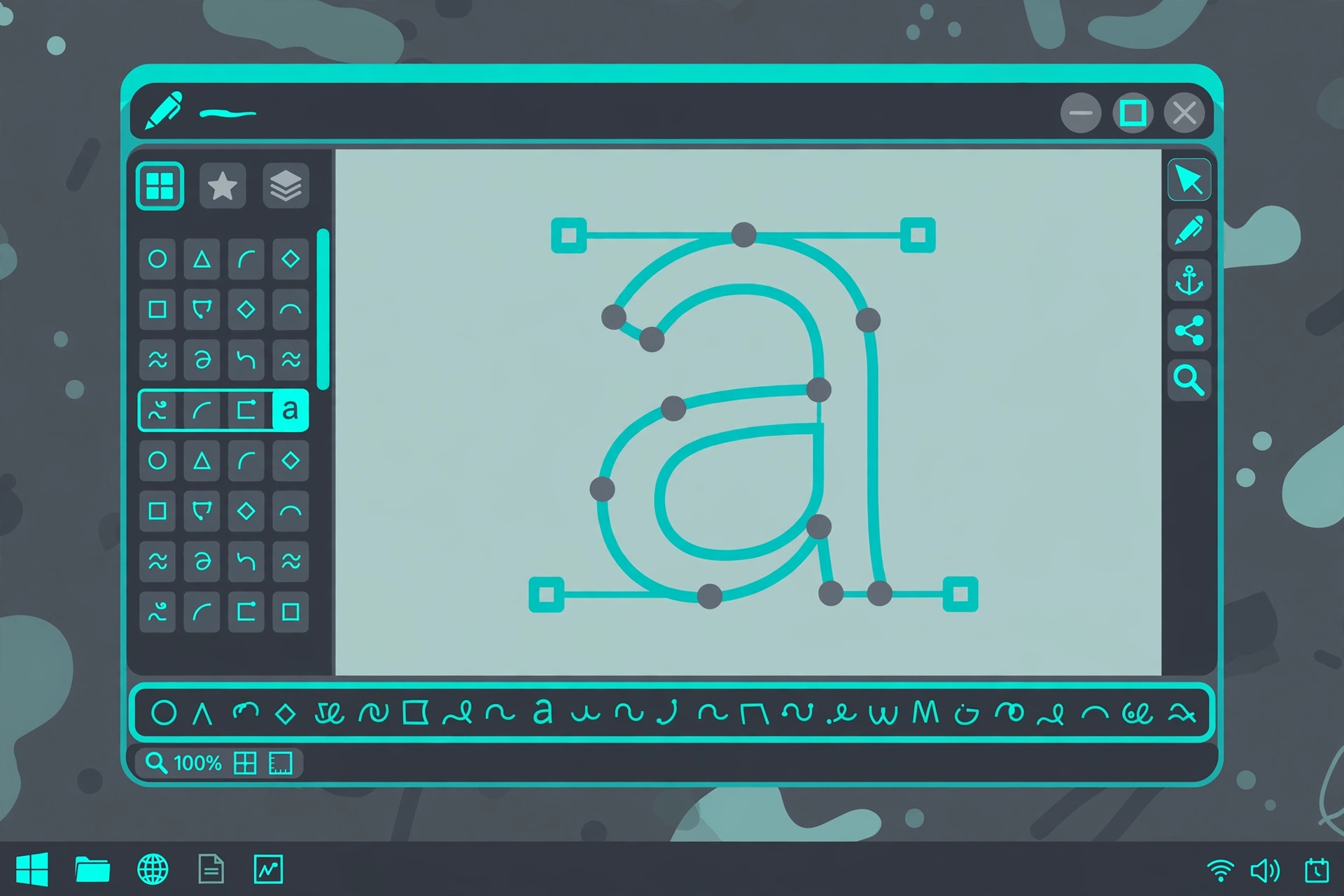
Every comparison of professional font editors, including ours, has traditionally had a hole in it. FontCreator, from the Dutch company High-Logic, is one of the longest-lived font editors in existence: founder Erwin Denissen started it in 1997, it has been in continuous development since, and High-Logic counts over 82,000 customers in more than 170 countries. It simply gets left out of roundups because the roundup writers tend to live on Macs and in the Glyphs and FontLab world. That is their blind spot, not FontCreator’s. This post is the missing entry, and it exists because a reader asked why FontCreator was not in our guide to making your own font. Fair question.
The feature that defines it
Most font editors treat opening an existing font as an import: outlines and basic metrics come across, and the OpenType layout programming, the substitutions, positioning rules, ligatures and feature logic the original designer authored, is rebuilt from scratch or quietly dropped. High-Logic’s claim for FontCreator is the opposite, and it is the reason the program exists: it is, in the company’s words, the only font editor that lets you modify an existing font and preserve its full OpenType layout feature data, every substitution, positioning rule, lookup flag and feature parameter, exactly as the original designer authored it.
If you make fonts from a blank page, that may sound like a footnote. If your work involves existing fonts, extending a character set, fixing a kern, repairing a broken family, it is the whole game. The professional editors in Route 6 are drawing-first tools. FontCreator is the one built around the fonts that already exist, and there are far more of those than blank pages.
What you need before you start
- The program. FontCreator 16 (the current build is 16.0.0.3082, released September 18, 2026) runs on Windows and macOS. The macOS version is recent; for most of its life FontCreator was the Windows professional’s editor, which is precisely why the Mac-centric roundups missed it. A free 30-day trial covers the full feature set.
- An edition decision. There are two, both one-time payments with perpetual licenses and free minor updates within version 16: Essentials at $49, for everyday creation and editing, and Professional at $199, which adds the advanced development and production tooling. In a category where FontLab charges $499 and subscriptions creep in everywhere, a $199 perpetual license is a position statement, and High-Logic knows it.
- A font to work on. FontCreator is at its best with a real project: your own draft, or an existing font whose features you need intact.
The workflow, in brief
- Open or create. Start from scratch, or open an existing font and find its OpenType features still there, editable rather than flattened. FontCreator also exchanges projects with other tools: it reads and writes .glyphs files, UFO, and designspace, so it can sit inside a mixed pipeline instead of demanding to own it.
- Draw in either curve flavor. Glyphs can be drawn with quadratic (TrueType-style) or cubic (PostScript-style) curves, and the choice is deferred to export: the same project can generate either format. A scan or manuscript can be brought in and turned into outlines as a starting point.
- Space it with help. The Optical Metrics feature analyzes a set of glyphs and computes side bearings from their shapes, taking the first pass at one of font making’s most tedious jobs. Kerning and the rest of the metrics remain yours to refine, with real-time proofing and an upgraded shaping engine showing the text as applications will render it, not as the outline editor imagines it.
- Program the typography. The OpenType feature editor works with a genuinely compliant Adobe feature file compiler, and real-time font validation flags outline and interpolation problems as you create them rather than at export.
- Export. OpenType, TrueType, and variable fonts come out of the same project, with scalable color fonts in both COLR and SVG flavors supported along the way. Installation after that is the normal operating system process our install guide covers.
Where it stops
Honesty about the trade-offs, as with every route in the guide. FontCreator’s ecosystem is smaller than Glyphs’ or FontLab’s: fewer third-party scripts, fewer tutorials, a quieter community, though High-Logic’s own manual and tutorial library is thorough. Its interface is a Windows-classic working environment, functional rather than beautiful, and designers who live in the Glyphs keyboard-driven flow will find it deliberate where they are used to fast. And while the drawing tools are fully professional, the program’s center of gravity is editing and production. A designer whose whole life is drawing new text faces from scratch on a Mac will still land in Glyphs. A designer whose life includes the world’s existing fonts, which is most working font people more often than roundups admit, should have FontCreator on the shortlist, and at these prices, probably on the machine.
The same company makes MainType, the Windows font manager covered in our font managers guide, and the two are designed to work as a pair: MainType organizes the library, FontCreator opens anything in it for surgery.
 FontCreatorWindows & Mac · Essentials $49 · Professional $199 · perpetual license · 30-day trialVisit site