· guides
Fontself: make a font in Illustrator or Photoshop

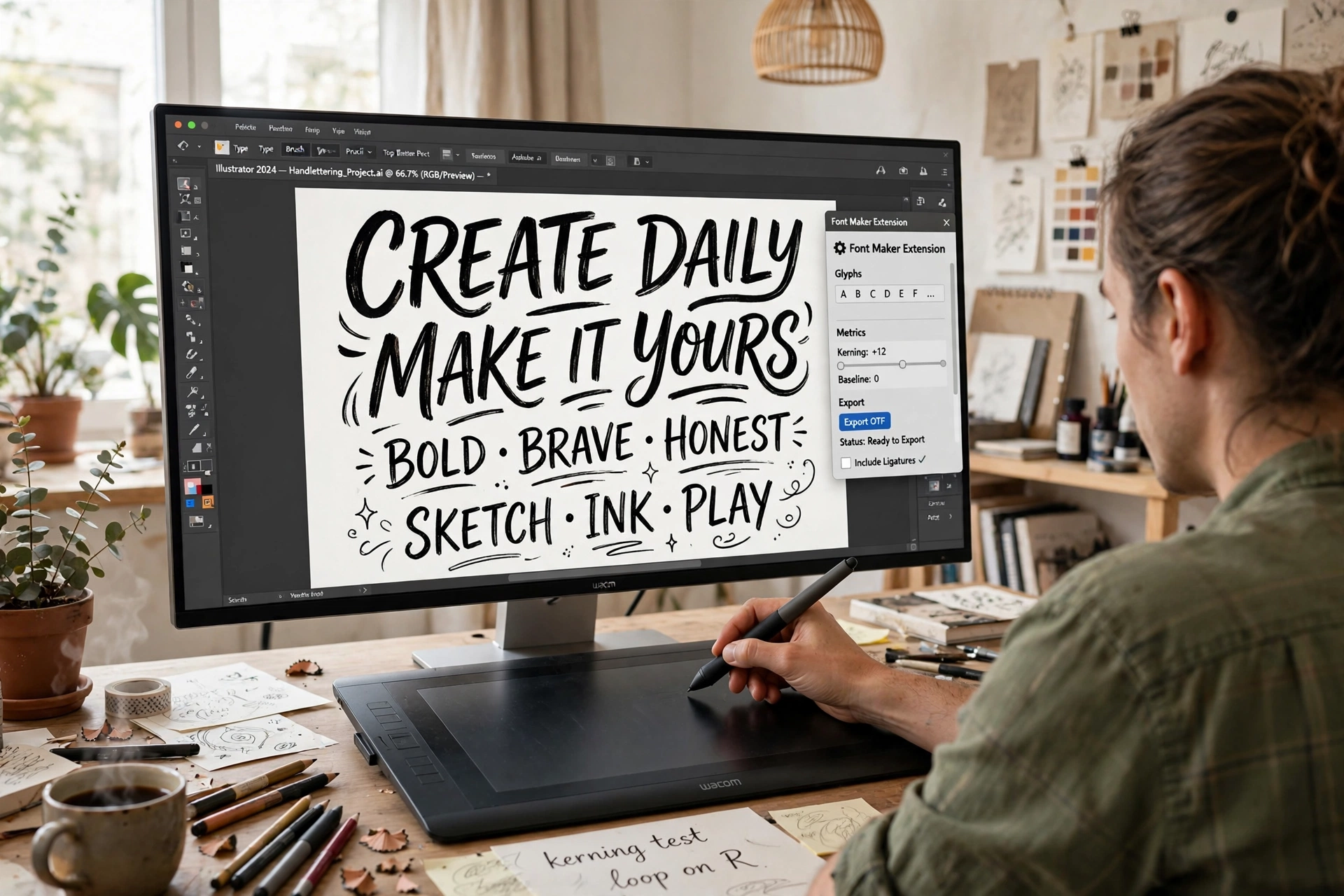
This is Route 3 from our guide to making your own font, and it starts from a different assumption than the routes before it. Calligraphr assumes you have handwriting. FontStruct assumes you are happy building from blocks. Fontself assumes you already draw in Adobe Illustrator or Photoshop, and would rather not learn a separate font editor on top. Fontself Maker is an extension that lives inside those two apps: you draw your letters the way you already draw them, select the artwork, and the extension turns it into an installable OpenType font.
That makes it the natural route for lettering artists, logo designers, and anyone whose work already lives in Adobe files. It is also the first paid tool in this series, and the first with no free tier, so this post is careful about what the money buys and what it does not. (A standalone Fontself iPad app also exists; it is a separate product, and this post covers the desktop extension.)
What you need before you start
- Adobe Illustrator, current enough to matter. The Illustrator extension requires Adobe Creative Cloud 2025 to 2026. It runs on Mac and PC, Apple Silicon included. It does not run on CS6 or anything older.
- Optionally, Photoshop. The bundle adds a Photoshop extension, also Creative Cloud 2025 to 2026 (Apple Silicon yes, Windows ARM no). Photoshop is not sold as a standalone Fontself tier; it only comes in the bundle.
- The extension itself: $39 for Illustrator alone, $59 for the bundle, each shown struck through from a higher list price on the store page. This is a one-time payment, not a subscription: the store’s FAQ states that you pay once and updates are free and automatic. A personal license covers one user on up to two devices.
One quirk worth knowing before you compare prices elsewhere: the store page’s own structured metadata still lists $49, which is why so many roundups quote that figure. The prices actually displayed and charged are $39 and $59.
The workflow, step by step
- Draw each character as a single object. In Illustrator, every glyph starts life as artwork: one object per character. Group complex shapes, or merge them with Pathfinder’s Unite, and keep your characters at a consistent size as you draw, because the extension cannot rescale glyphs after the fact.
- Create glyphs from the selection. In the Fontself panel, type the character and press Create Glyph for a single letter, use the A-Z or a-z buttons to build a whole alphabet set at once, use Batch for other character sets, or simply drag and drop the selection onto the panel.
- Adjust in the panel. Set each glyph’s baseline and margins, then work through spacing and kerning. Alternates and ligatures are supported here too, so a swash version of a letter can swap in automatically where you define it.
- Name it and save. Set the font name and info, press Save, and Fontself writes a real OpenType .otf file. Install that file in your operating system like any other font (our install guide covers the platforms). Note the distinction Fontself’s own help makes: the panel’s Install button drops the font in a folder other applications cannot reach, so for general use, Save and install the file yourself.
- Reopen to keep editing. A font built with Fontself can be reopened with its Open button and adjusted further. The reverse is not true: you cannot yet open and edit a font that was made somewhere else.
 FontSelf MakerIllustrator / Photoshop extension · $39 one time, $59 bundle · no trialVisit site
Color is the headline feature
Most tools in this series treat color fonts as an afterthought or a paywall extra. For Fontself they are the point, and both host apps can make them, by different routes that are not interchangeable:
- Illustrator makes color vector fonts. Your shapes keep their fill and stroke colors, gradients, and opacity, and are stored as OpenType SVG data in RGB. Work drawn in CMYK is converted to an RGB equivalent.
- Photoshop makes color bitmap fonts. Each glyph is an image layer: Fontself’s guidance is one transparent layer per glyph, roughly 500 pixels per glyph (not under 300, not over 1000), and keeping the whole font under 50 MB to avoid crashes.
Both routes produce OpenType SVG color fonts, the format our color fonts explainer covers in depth. No COLR support is claimed. Sensibly, each file also carries a monochrome fallback version of every glyph, so applications that cannot display color fonts show plain letters instead of blanks.
The export reality: .otf, and only .otf
Direct export from Fontself is OpenType .otf, full stop: standard vector fonts and OpenType SVG color fonts both arrive as .otf files. Older articles listing TTF, WOFF, and WOFF2 exports are describing a service that no longer exists. The WOFF downloads belonged to Catapult, Fontself’s former webfont hosting service, which stopped working on September 30, 2020. If you need webfont files from a Fontself font today, converting the .otf is a separate step in a separate tool.
Variable fonts are likewise absent: no store, help, or blog page from Fontself claims variable font creation or export. If a weight range in one file is the goal, that is the professional editors’ territory later in this series, after a look at the variable fonts explainer.
Who owns the font you make
The licensing clause here is short and unusually plain. Section 4.1 of Fontself’s EULA states that the agreement does not grant Fontself, and does not claim, any ownership rights in the content you produce with the software. Fontself imposes no license of its own on fonts you make: no Open Font License requirement, no credit requirement, no cut. What you make is yours to license as you choose (our licensing explainer covers the options). The one obligation runs the other way: you are responsible for your content, and you warrant that you hold whatever licenses you need for material you build into a font you distribute.
The catches
- There is no trial. Asked directly in its store FAQ, Fontself’s answer is “Not yet,” with demo videos offered instead. The $39 is spent blind, informed by videos and documentation rather than hands-on testing. At this price that is an annoyance rather than a scandal, but it is the only tool in this series you cannot try first in some form.
- The tool rents its home. The extension itself is a one-time purchase, but it runs inside Creative Cloud applications, which are subscriptions, and only recent versions at that. Let your Adobe subscription and version lapse far enough and your font editor stops being available, even though the font files you exported remain yours and keep working.
- Script coverage is limited. Fontself documents Latin-based languages and Cyrillic. Arabic, Hebrew, Thai, Greek, Chinese, and similar scripts are stated as not yet optimized.
- It edits only its own fonts, as noted in the workflow: an existing .otf from another tool cannot be opened for adjustment.
The verdict
Fontself is the right route when your lettering already lives in Illustrator or Photoshop and you want it typeable without leaving the apps you know, above all if you want color: nobody else in this price range makes OpenType SVG color fonts this directly. It is the wrong route if you do not live in Adobe’s ecosystem, if you need TTF or webfont exports out of the box, or if you want to test-drive before paying. The next route, BirdFont, takes us back to a standalone editor, free to download, with a licensing catch of its own that every commercial user needs to read first.
Sources: the Fontself store, step-by-step vector font guide, Color Fonts 101, the Fontself EULA, and the Catapult farewell post, all read October 2026.