· pdf, embedding, reference
Fonts in a PDF: the type travels with the document
A PDF carries its fonts inside the file: the font program is written into the document, whole or subset down to the glyphs the pages use. That is why a PDF looks the same on every machine, and why text copied back out of one can arrive as nonsense. The font is not referenced. It is cargo.
Why does a PDF carry its fonts at all?
Because the alternative had already failed. In 1991, John Warnock, Adobe’s cofounder, circulated an internal paper called “The Camelot Project.” Documents then traveled as PostScript files, and a PostScript file is a program, executed on the receiving printer, naming fonts it does not carry. If that printer lacked them, complex font substitution schemes decided what the page looked like.
Camelot proposed a self-contained file any machine could view and print exactly as made, fonts included from the first sketch: the file would include reconstituted fonts holding “just the characters of a font that are actually used.” Both are in the 1991 paper, two years before Acrobat and PDF 1.0 shipped in June 1993, and both were carried into ISO 32000.
How to embed fonts in a PDF
Embedding means writing the font program into the PDF’s font descriptor, so the file holds the actual outline data (what a font file carries). Full embedding puts the complete font in; subset embedding, a pruned copy of the glyphs used. Acrobat and Adobe’s export tools can do either, and their presets subset by default: the setting reads “Subset embedded fonts when percent of characters used is less than,” and Adobe ships it at 100 percent, meaning subset whenever any character goes unused. Setting it to 0 percent forces the whole font in.
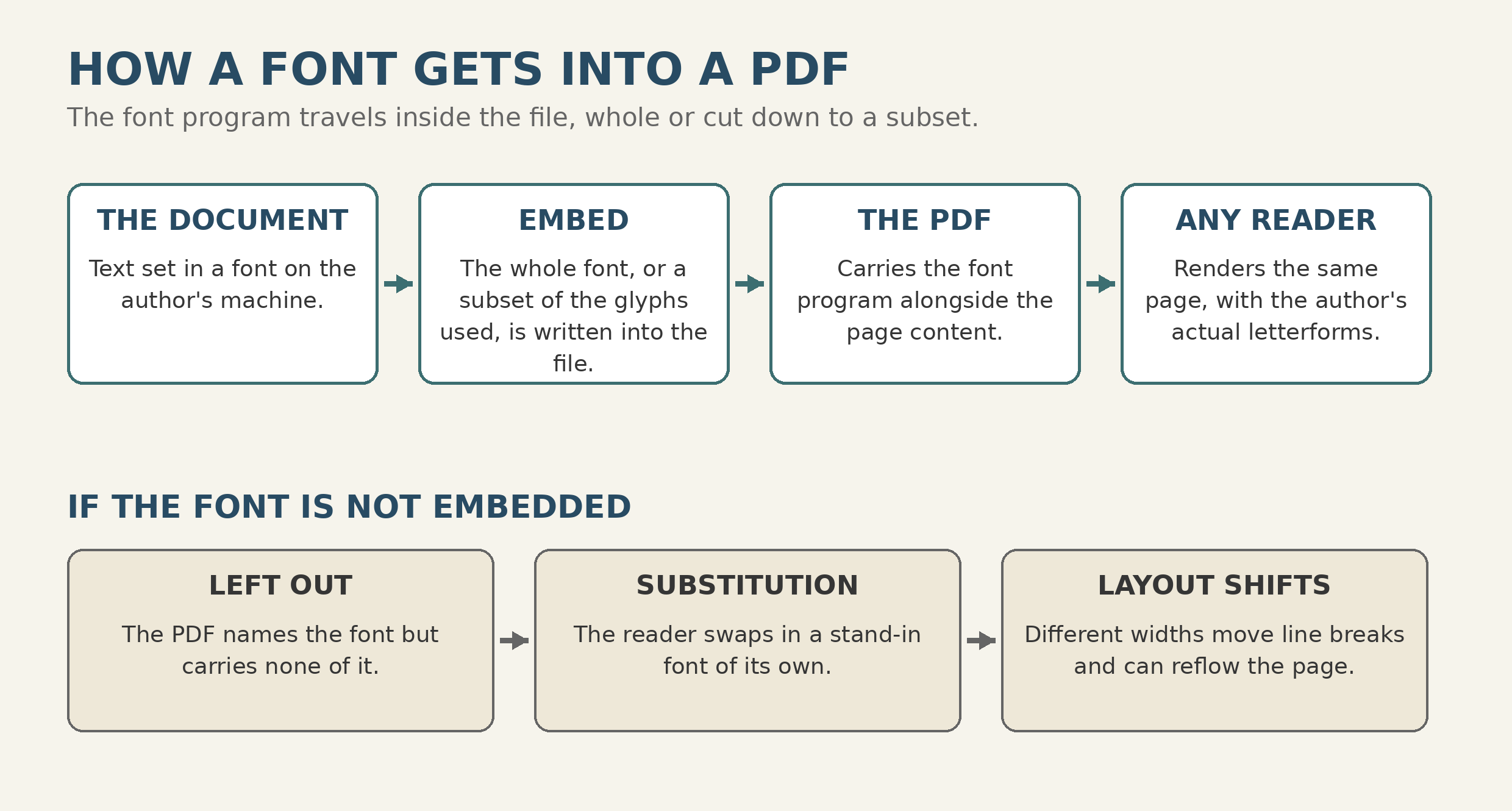
In practice, Distiller and the Adobe design tools embed as they export; nobody chooses it per font. Failures are a switched-off option, a print-to-PDF path that never embedded, or a forbidden font (fsType, below). The durable habit is a check, not a click path: verify the result in the Fonts panel.
 Adobe AcrobatAdobe's PDF editor and reader. Its document properties include the Fonts panel, the quickest check of what a PDF really carries.Visit site
What does a subset keep?
A subset keeps the glyphs the document’s text touches, plus .notdef, plus more than you asked for: ligatures, composites, and everything else the retained layout features reach. The survivors are renumbered in order of use, wrapped in a custom encoding, and stored under a tagged name: six capital letters and a plus sign, ABCDEF+SourceSans3.
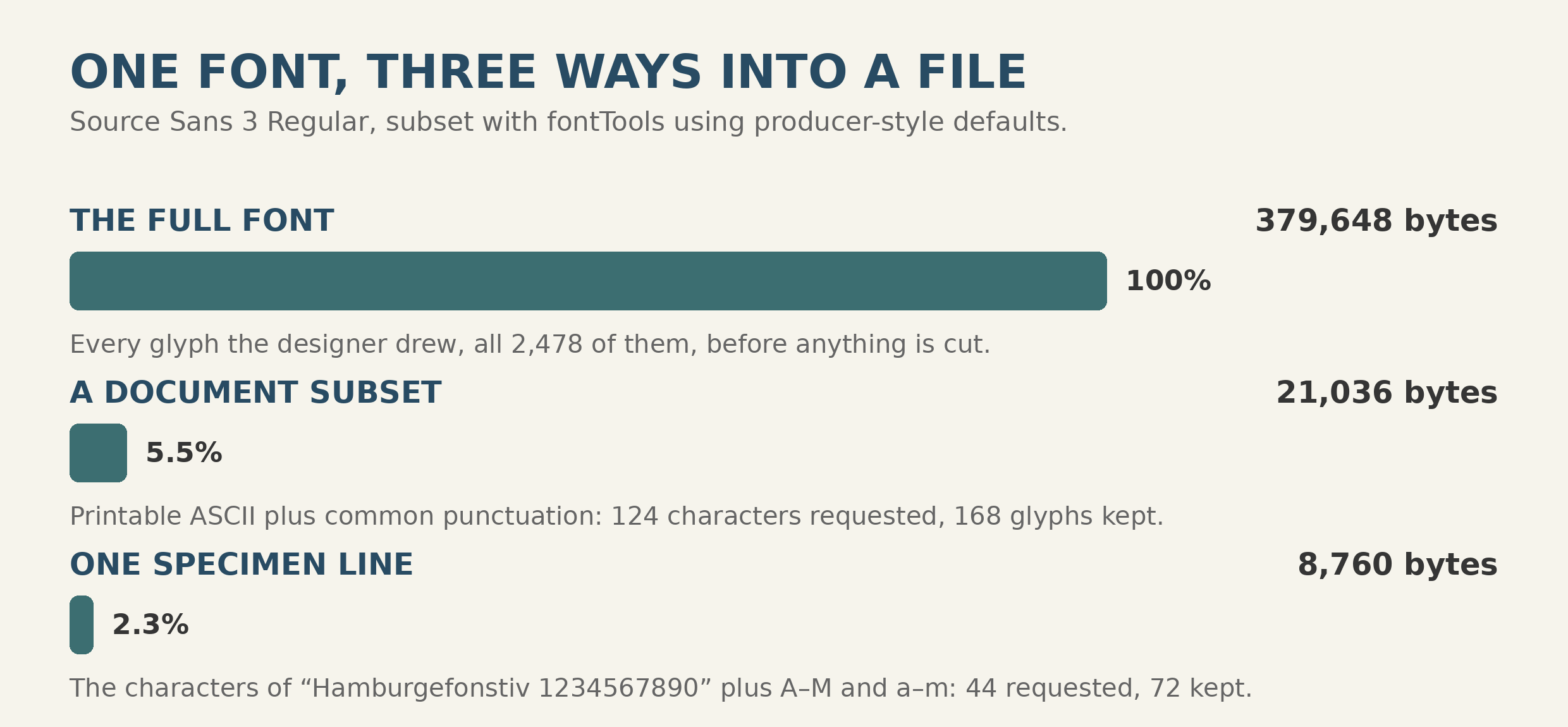
We subset Source Sans 3 Regular with fontTools on producer-style defaults. The full font holds 2,478 glyphs in 379,648 bytes. A document subset, printable ASCII plus common punctuation (124 characters requested), kept 168 glyphs and 21,036 bytes: 5.5 percent of the font. A subset for one specimen line kept 72 glyphs and 8,760 bytes, 2.3 percent. Hence small PDFs, and the catch of a snapshot: a glyph the document never used is not in the file, so text added later may have nothing to draw with.
How do you know which fonts a PDF uses?
Open the document properties in Acrobat and read the Fonts panel. It lists every font the document names, with type, encoding, and embedding status. “Embedded Subset” means a pruned copy is present, its name carrying the six-letter tag, a subset’s visible signature. “Embedded” means the whole font is present. A font with no embedding note is present in name only, and whatever opens the file must find it locally or fake it. The panel also shows the “Actual Font” a reader substituted when it had to, so one list shows both what the file carries and what you are really looking at.
What happens when the font is not there?
Acrobat works down a list. A locally installed font of the same name wins first. For the Base 14 it keeps known metric matches, Helvetica to Arial, Times to Times New Roman. Then comes Acrobat’s own trick: two Multiple Master typefaces kept inside it for this job, Adobe Serif MM for a missing serif and Adobe Sans MM for a missing sans. A Multiple Master font carries weight and width design axes, so Acrobat generates an instance matched to the missing font’s recorded metrics, stretched or condensed until the widths, and with them the line breaks, agree. The letterforms do not: they are generic stand-ins, near Minion for the serif and Myriad for the sans, correct in measure, anonymous in shape, and found only inside Acrobat. Other readers substitute more plainly, layout not guaranteed; some fonts cannot be substituted at all and surface as bullets. Our history of Adobe’s font business tells how Multiple Master, a failed 1990s product, ended up as this permanent understudy.
What were the Base 14?
Fourteen fonts were once so certain to be at hand that PDFs never embedded them: four styles each of Times, Helvetica, and Courier, plus Symbol and ZapfDingbats. They were the core Type 1 set of the PostScript world, carried by every PostScript printer and Acrobat product, and the specification let their font dictionaries omit metrics and descriptor entirely, because the reader was required to supply both. In practice readers supply substitutes of identical width: Arial where Helvetica is named, the URW clones Nimbus Sans and Nimbus Roman in Ghostscript.
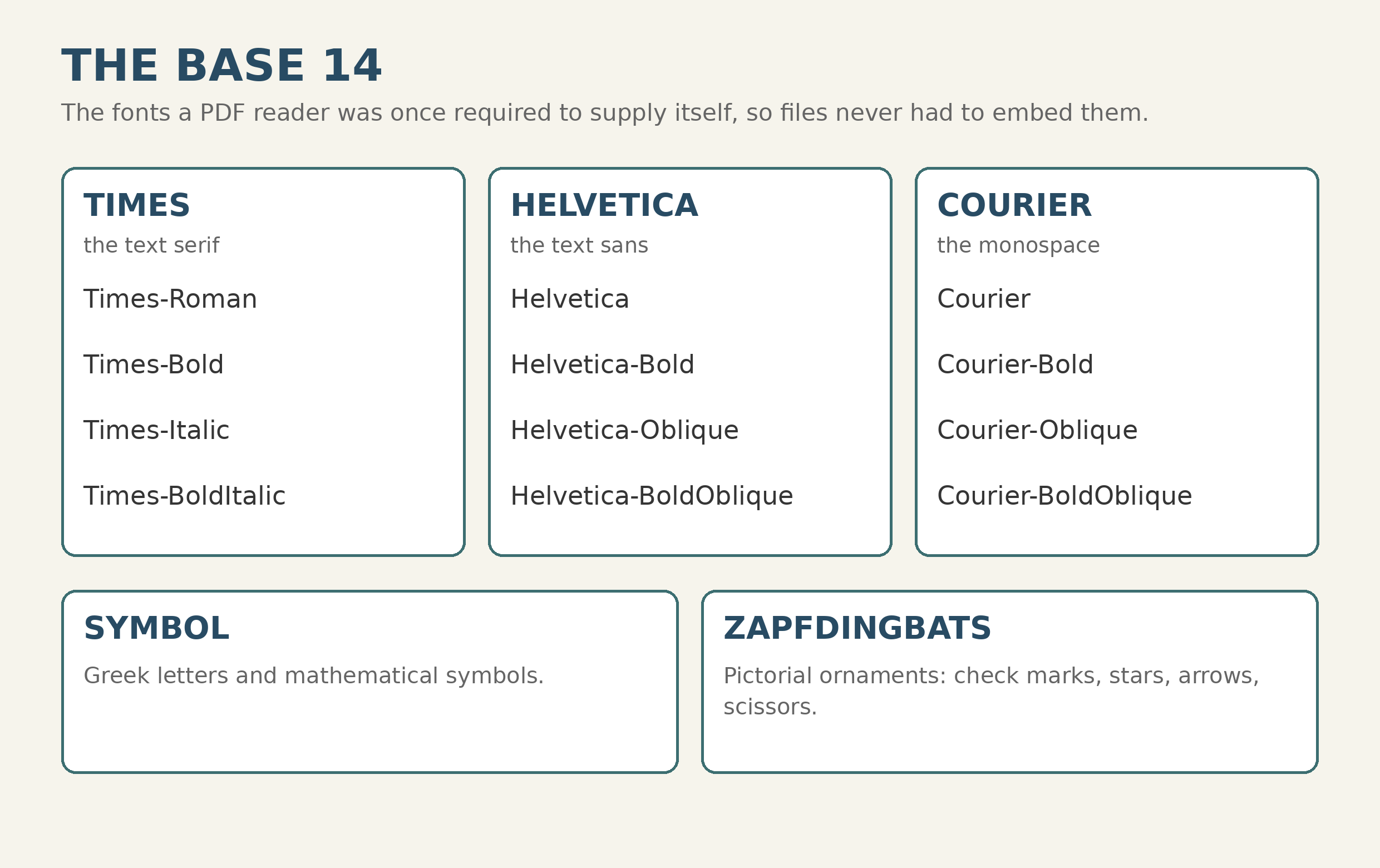
PDF 1.5 deprecated the special treatment, and the ISO standards removed the exceptions outright: readers should now “be prepared for their absence,” and files should embed these fonts like any others. The free ride ended with the archaic formats era that created it.
When does a font refuse to be embedded?
The font itself gets a vote, recorded in its OS/2 table as fsType, where a foundry’s licensing terms become machinery-enforced fact:
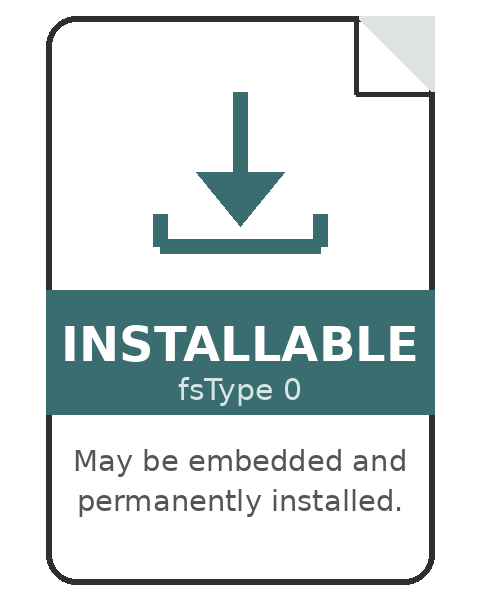 Installable embedding (fsType 0). The font may be embedded and permanently installed on the receiving system.
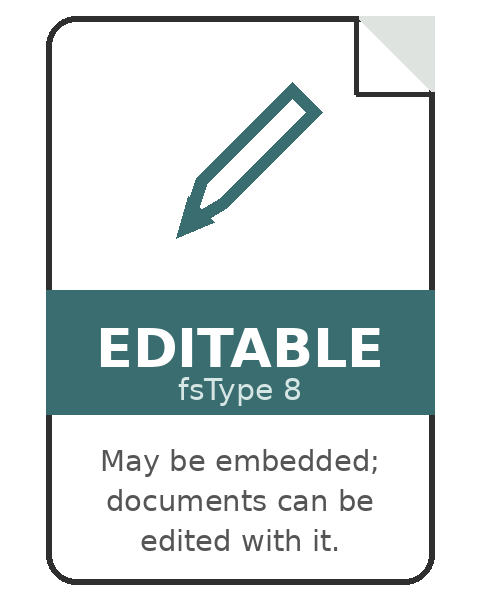 Editable embedding (value 8). Embedded and loaded temporarily while the document is open, which may then be edited with it.
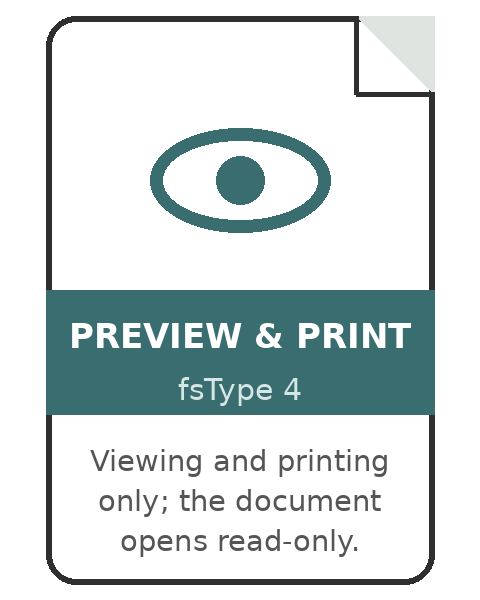 Preview and print embedding (value 4). Embedded for viewing and printing only; the document opens read-only and the font is removed at close.
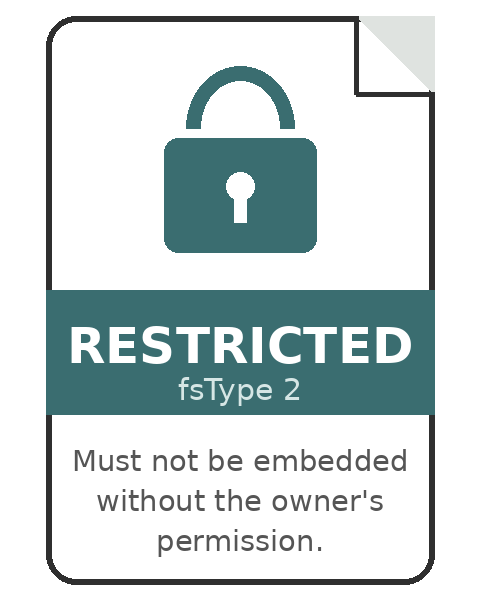 Restricted License embedding (value 2). No embedding without the owner’s permission; per the specification, the bit bites only when it is the only level selected.
Two rarer bits forbid subsetting and allow bitmap-only embedding. Adobe’s tools obey the field, and Distiller will not embed a restricted font. A refused font simply is not in the file, leaving readers to substitute. The strict profiles remove the discretion: PDF/A requires, in clause 6.3.4 of ISO 19005-1, that all fonts used be embedded and legally embeddable for unlimited, universal rendering, Base 14 included; PDF/X likewise treats an unembedded font as a preflight failure.
Why does copied text come out garbled?
Because a PDF never promised you the text, only the picture of it. The file stores character codes and painting instructions. Display needs one mapping, code to glyph; copying text out needs the reverse, which the specification does not require for painting. In the PDF Association’s summary, mapping to Unicode is optional in PDF. A ToUnicode CMap supplies that mapping directly; without one, extractors fall back through predefined encodings and glyph names resolved against the Adobe Glyph List, and each fallback can fail.
The classic failures are mechanical. A glyph-ID-only subset renumbers its glyphs 1, 2, 3 with arbitrary or absent names, and extraction returns garbage or (cid:) placeholders. An encoding mismatch (WinAnsi assumed, a different encoding inside) swaps umlauts and punctuation. A ligature extracts as the single presentation-form character U+FB01, or not at all, so searching for the two letters fails either way in some readers. Spaces are not stored either; extractors infer them, and reading order, from glyph positions, which is why copied text gains and loses spaces and scrambles multi-column pages. Guarantees come only from stricter profiles, PDF/A’s A and U levels and tagged PDF, where Unicode mapping is required.
What did PDF 2.0 change for fonts?
Mostly, it tidied. The PDF Association’s survey of ISO 32000-2 concludes that for fonts the 2017 standard clarified rather than changed: it settled whose widths win when the file and the font program disagree (the font program), deprecated the old CharSet and CIDSet subset listings, and closed the Base 14 exceptions for good. There is no CFF2 provision in its font machinery, despite claims otherwise. Variable fonts take part only as static instances, frozen by the producer, because the format has no way to record axis positions for a passage of text. There is no color-font subtype either; where color glyphs must appear, producers decompose them into ordinary PDF graphics or Type 3 glyph procedures. The 1991 arrangement stands: the type travels with the document.