Local Font Browser
What fonts do I have on this machine? This tool answers with the real list: every installed family and every style, with live specimens rendered from the font data itself, the way a desktop font manager shows them. It runs entirely in your browser through the Local Font Access API. The browser asks your permission before showing the list, the font data never leaves your device, and nothing is uploaded or stored. Today the API ships in Chrome and Edge on desktop; Firefox and Safari do not expose it as of writing, and this page will say so plainly if your browser is one of those.
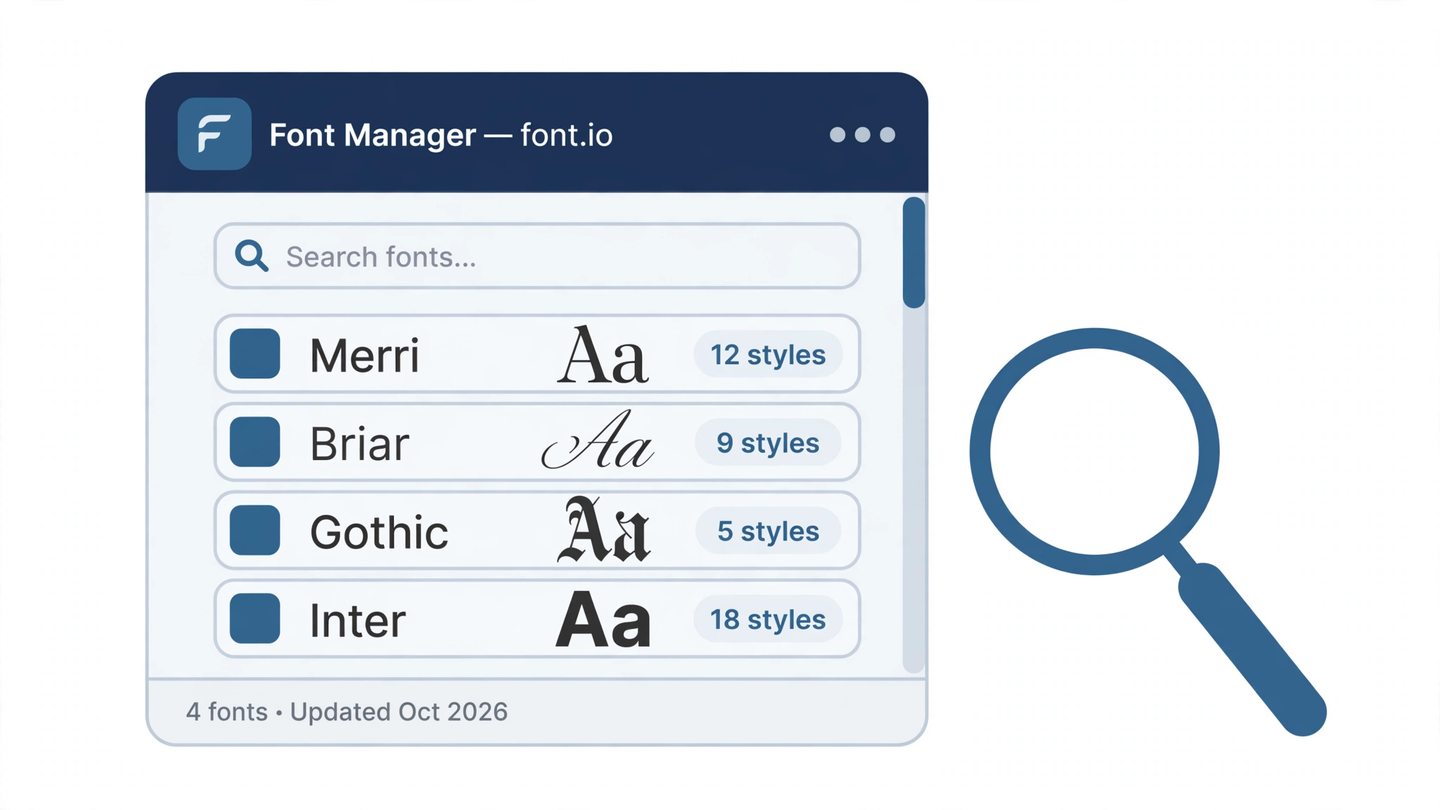
How it works
One call, window.queryLocalFonts(), returns a FontData object for every font face installed on the machine: its family name, full name, PostScript name, and style. The call only works on a secure page, only after a click, and only when the browser's permission prompt gets a yes. Deny it and the page learns nothing. Each FontData also has a blob() method that hands over the face's actual font data for the session; this page feeds that data to the FontFace API to draw the specimens, so what you see is your installed font itself, not a picture of a similar one.
What it cannot do
The API is read-only by design. This tool cannot install or remove fonts, activate or deactivate them, organize them into collections, or change anything on your system. It also cannot see fonts a website loads for its own pages; it lists only the fonts installed on the device. Think of it as looking through the font manager's window, not reaching through it.
The longer story
Before this API existed, websites that wanted your font list measured text pixel by pixel and guessed, a trick from 2009 that fingerprinters adopted wholesale. The story of both methods, and why the permission prompt matters, is in How websites detect your installed fonts.